> ## Documentation Index
> Fetch the complete documentation index at: https://docs.ideatura.ai/llms.txt
> Use this file to discover all available pages before exploring further.
# Use references
> Identify authoritative files, pages and markup for a task.
A reference explains what to work from. A connected model identifies where work happens. State both.
1\. Choose the source
Name the file, revision, page and relevant detail. Supply dimensions and units where accuracy matters. Explain which source wins if a drawing, specification and existing model disagree; ask for clarification when information is missing.
2\. Confirm it is available
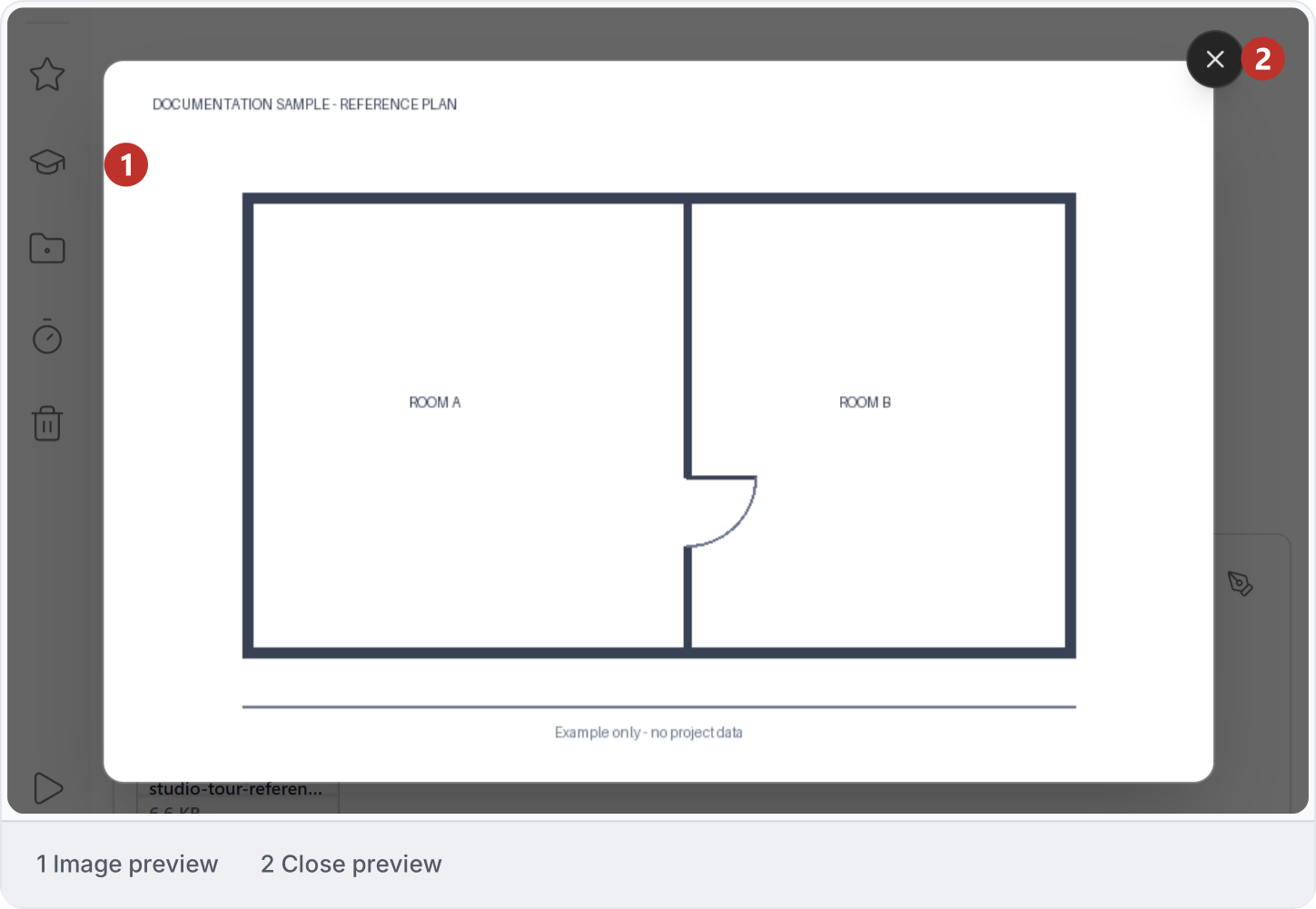
Choose **Attach file**, then open an image attachment to check its preview. Ask Ideatura to identify the source and relevant content it can read; previewing a file does not establish that every page is in context. See [Files and outputs](/apps/files) and [Viewers and markup](/studio-reference/ui-panels).
3\. Send the markup
Capture the relevant view, mark the change and confirm the reference is attached before sending the request. Drawing a mark does not itself execute the change. Follow [Draw over Revit](/draw/markup/draw-over-revit-to-explain-a-change) or [Read a drawing](/draw/markup/understand-a-drawing-before-acting).
4\. Inspect against the source
Compare the result with the authoritative dimensions and geometry. Record inferred or unresolved details. A screenshot is useful for intent, but it may not supply the precise reference needed for native geometry.
This documentation is built and hosted on [Mintlify](https://mintlify.com), a developer documentation platform.