> ## Documentation Index
> Fetch the complete documentation index at: https://docs.ideatura.ai/llms.txt
> Use this file to discover all available pages before exploring further.
# Work in AutoCAD
> Prepare a drawing reference, confirm the DWG and inspect editable output.
Open your drawing and describe what you want to add or change.
1\. Connect the drawing
Open your drawing in AutoCAD, save it and select it in **Connected Apps**. Check the drawing units. Follow [Setup](/start/setup) or [Connect your model](/start/connect-model) if you need help connecting.
2\. Describe the change
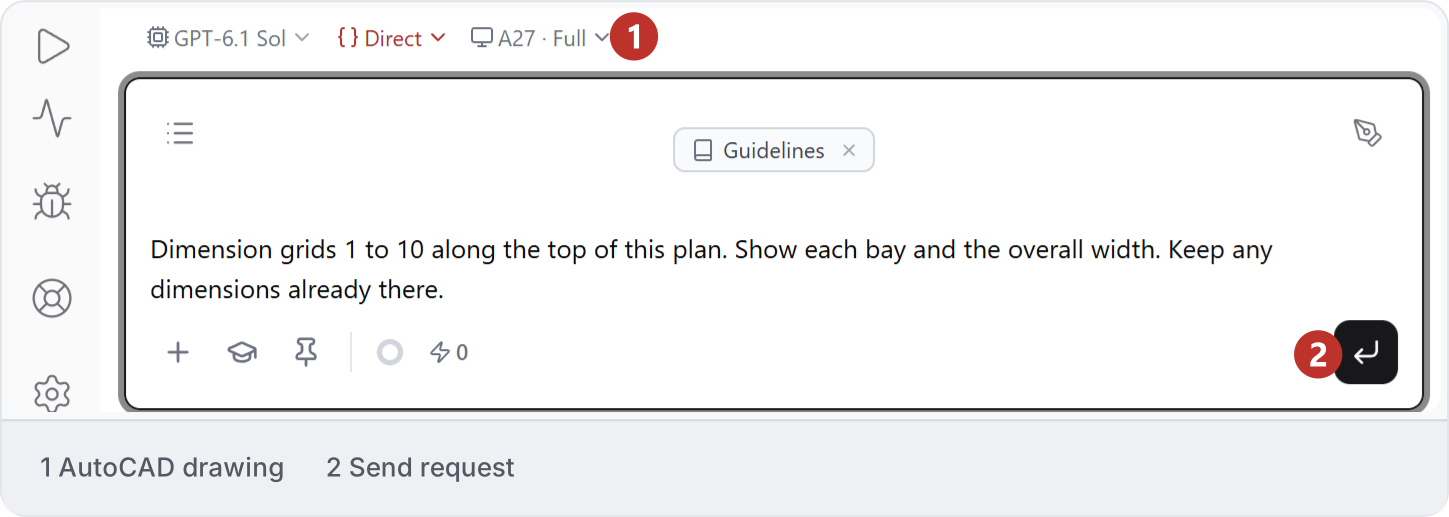
This example request asks for dimensions along the top of a plan:
```text theme={"dark"}
Dimension grids 1 to 10 along the top of this plan. Show each bay and the overall width. Keep any dimensions already there.
```
3\. Recreate a drawing reference
The [Screenshot to AutoCAD](/draw/markup/recreate-a-floor-plan-screenshot-in-autocad) example starts from a floor-plan image. Give a known dimension or scale, then check the drawing's geometry, layers and labels as it develops.
4\. Choose the output
Use AutoCAD for an editable DWG. If you need a Revit model from the drawing, follow [DWG to Revit](/model/reference-model/reconstruct-a-dwg-as-a-revit-model).
5\. Check and save
Check dimensions, units, layers and labels in AutoCAD at the drawing scale you use. Save the DWG when the result is right. See [Supported tasks](/studio-reference/supported-tasks) for work not covered by these examples.
This documentation is built and hosted on [Mintlify](https://mintlify.com), a developer documentation platform.