> ## Documentation Index
> Fetch the complete documentation index at: https://docs.ideatura.ai/llms.txt
> Use this file to discover all available pages before exploring further.
# Work in Blender
> Choose objects in your Blender scene, describe a change and check the result.
Connect your Blender scene and choose the objects you want to work on.
1\. Identify the scene
Open **Connected Apps** and choose the running **Blender** session for your open scene. **Blender Headless** is a separate session. Both use Full access, so check that you have selected the right scene. Viewport captures require the visible Blender session; Headless uses a scene camera for images.
2\. Define the geometry and output
Select an object or group and describe what you want to change. Give dimensions where needed and say what should stay as it is. This existing scene uses metric units.
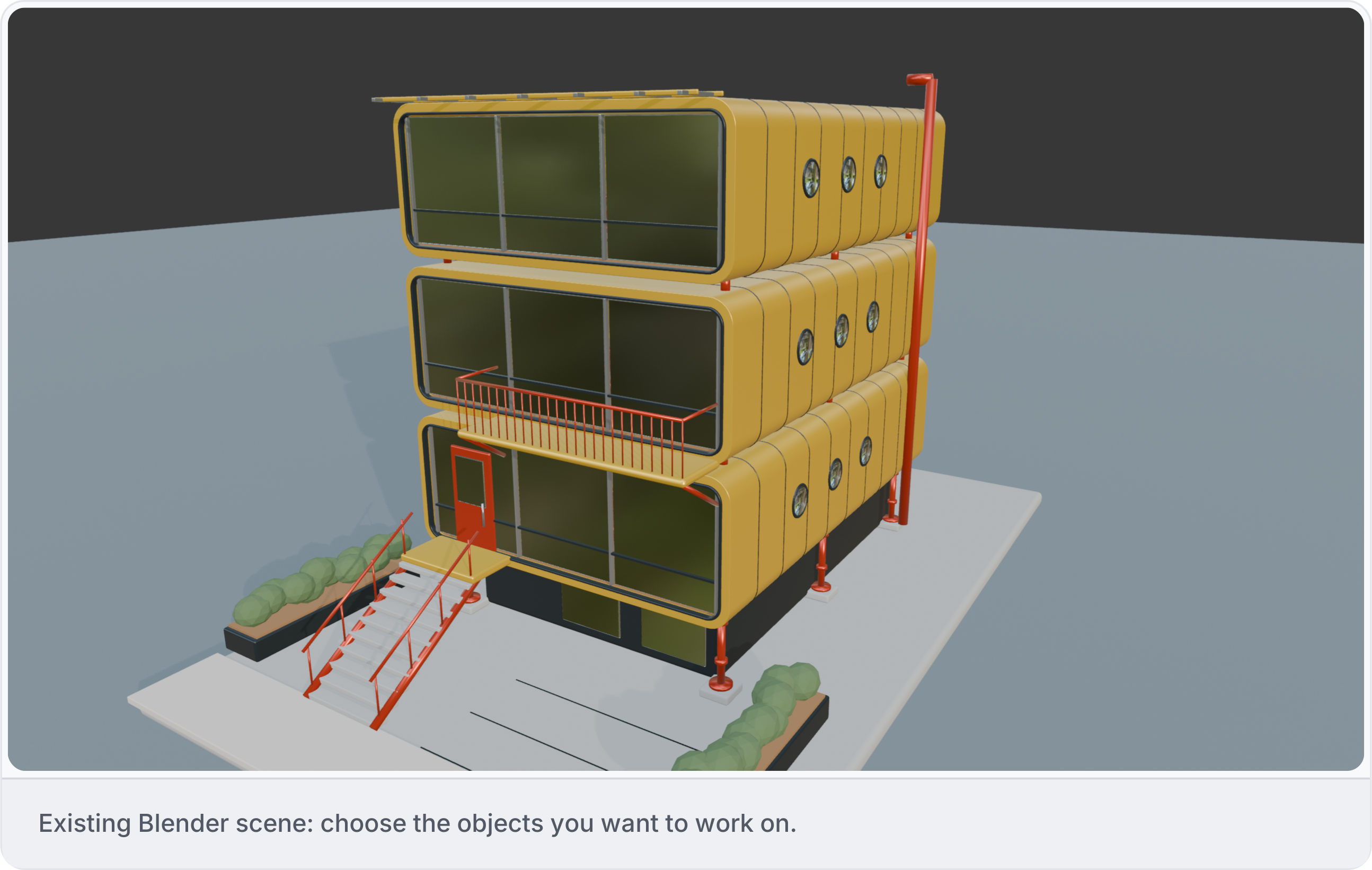
3\. Inspect a small area
Start by checking the objects you want to work on. Confirm their dimensions, position and scale, then describe the change. Review the result in Blender alongside the surrounding objects. See [Inspect model data](/model/inspect-data).
4\. Save and reopen
Save the native scene or export a **.blend** copy or **GLB** through the integration. A .blend export does not change the active file path or automatically pack external files and textures. GLB retains only data supported by its exporter; IFC export is not provided by this integration. Reopen the output and check its contents. See [Files and outputs](/apps/files).
This documentation is built and hosted on [Mintlify](https://mintlify.com), a developer documentation platform.