> ## Documentation Index
> Fetch the complete documentation index at: https://docs.ideatura.ai/llms.txt
> Use this file to discover all available pages before exploring further.
# Automation lifecycle
> Understand generation, execution, inspection, saving and reuse.
A generated automation, a completed run and an accepted result are different milestones. Start at Run when using an existing automation; start at Generate when creating or changing one.
1\. Generate
Describe the intended operation and review the proposed scope. Generated code or a card does not, by itself, show that the model changed. Direct actions in a conversation may execute separately: read the task activity and inspect the application.
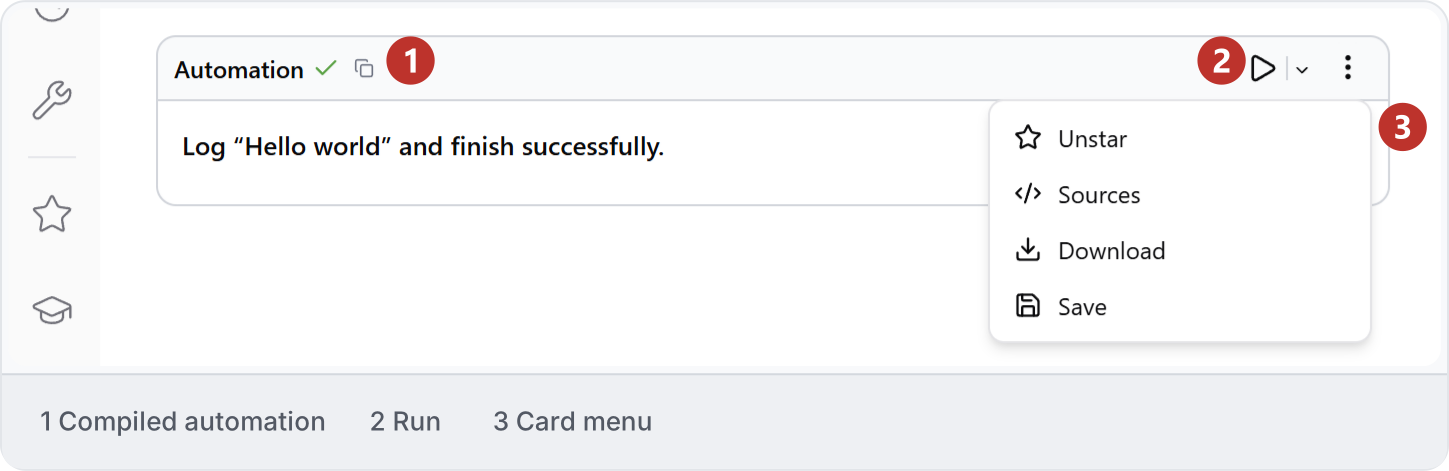
2\. Run
Confirm the application, document, view, parameters and intended treatment of existing output. Run one small scope. A manual Run action can have different consequences from an agent permission setting; read [Modes and access](/studio-reference/ui-connections).
3\. Inspect
Compare the native result with the request. Check counts, references, omissions and unintended changes. A success message establishes neither completeness nor correct geometry. Use [Review and recover](/ai/review).
4\. Save
Save the accepted native document and the automation separately. Use a name that describes the operation and retain a known working version before adapting it. Follow [Save an automation](/automation/automation-basics/name-and-save-an-automation-so-you-can-find-it), then reopen the saved entry to confirm its identity and defaults.
5\. Reuse
Test changed inputs on a small scope before a wider run. Decide whether existing output should be skipped, appended, replaced or updated. See [Reuse across projects](/automation/reuse-projects).
6\. Share
Check the destination workspace, audience and editing rights. Confirm whether a colleague receives a copy and verify its parameters from their account. See [Share an automation](/automation/share).
This documentation is built and hosted on [Mintlify](https://mintlify.com), a developer documentation platform.