

What’s new: open Studio inside Claude, build drawing packages from IFC models, and browse your Personal and shared Automation Libraries in one place.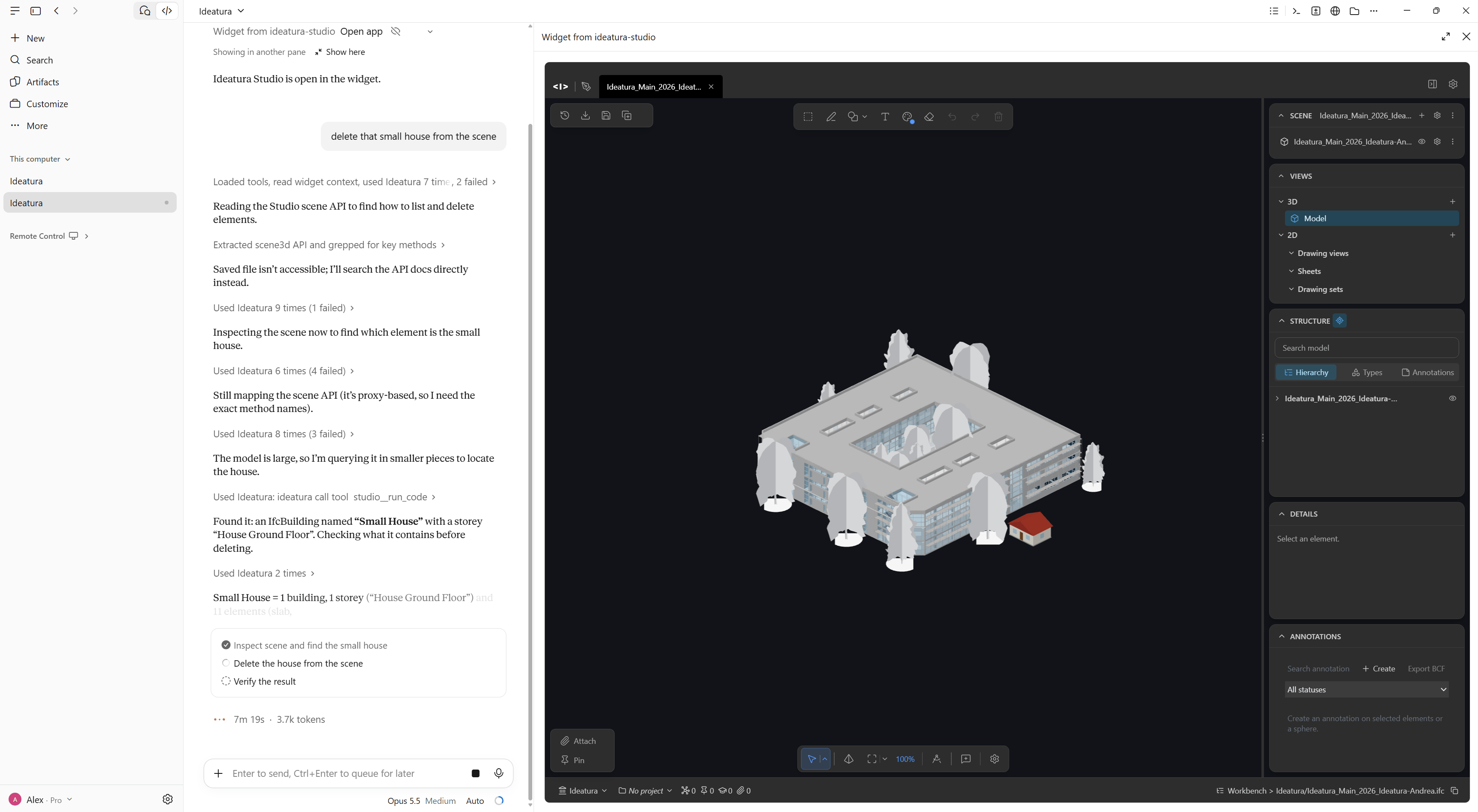
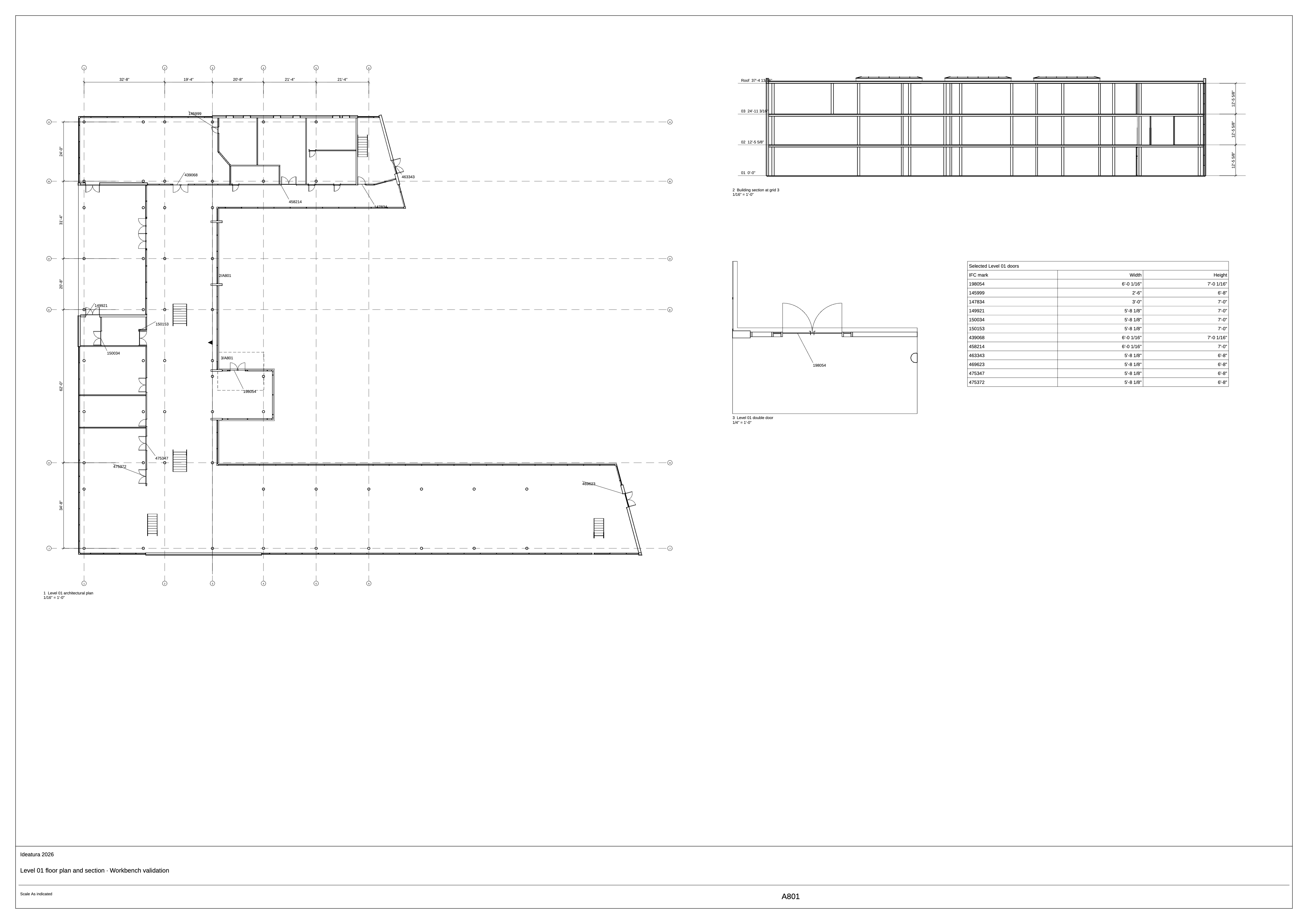
Open Studio inside Claude
- Use
/ideaturato open Studio alongside a Claude conversation. Browse workspace files, open and edit 3D scenes, and run Library automations without switching windows. - Connect Claude or Codex from Studio settings. The Windows installer also registers the Ideatura tools and skill for both.
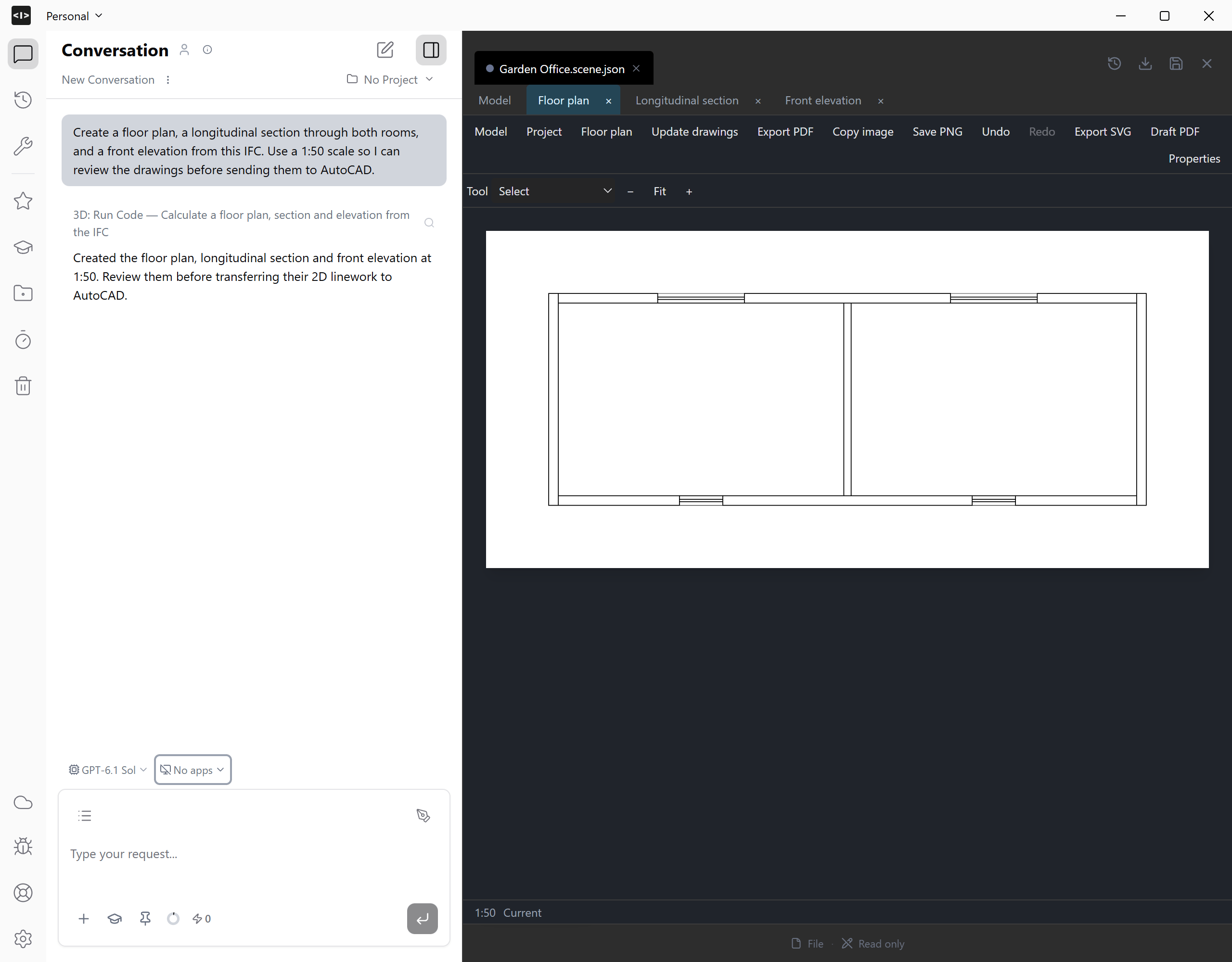
Build drawing packages from IFC models
- Create plans, reflected ceiling views, sections, details, and shaded 3D insets. Dimension model edges, grids, and levels in metric or architectural imperial units.
- Arrange views at individual scales on reusable sheet layouts, add schedules and linked callouts, and export the sheets to PDF. When model changes make a view stale, update it without losing sheet annotations.
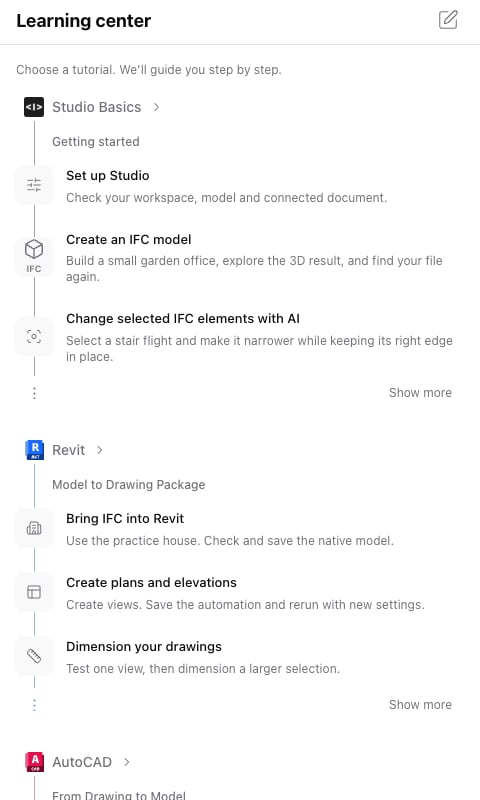
Learn Studio with guided tutorials
- Open the Learning Center from the sidebar for interactive exercises inside Studio. New installations offer a short setup walkthrough that you can skip and return to later.
Browse Personal and shared Automation Libraries
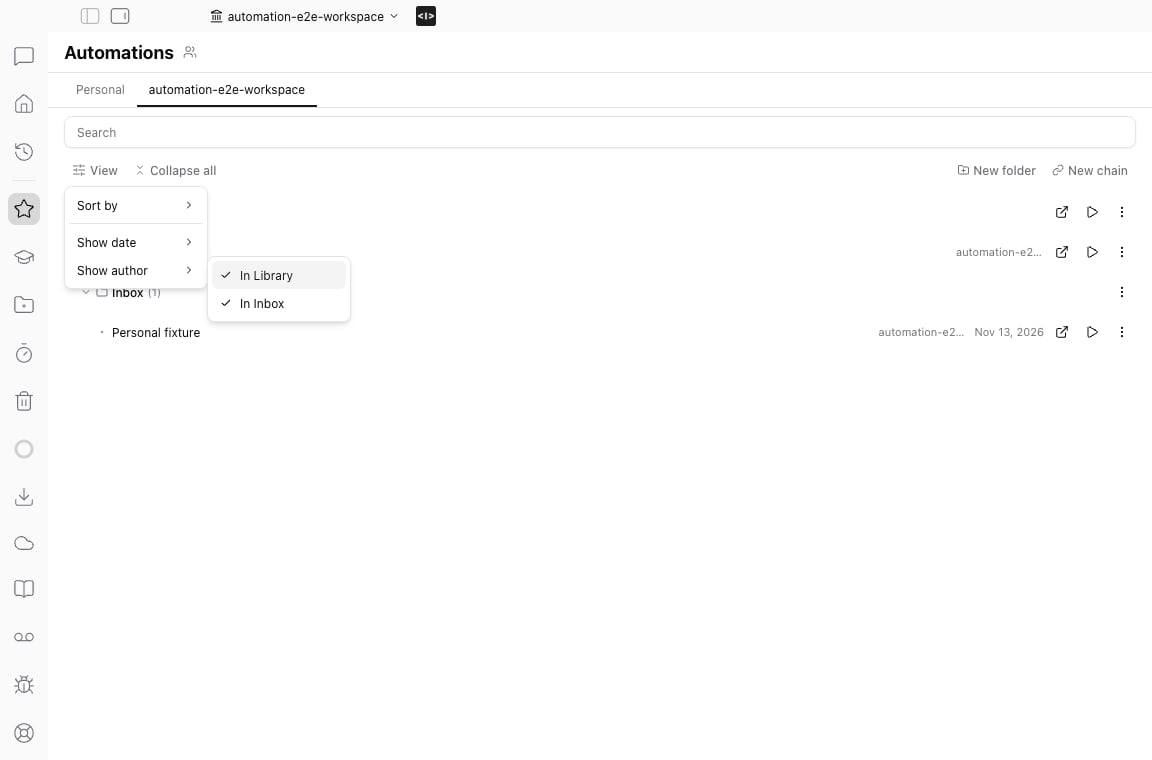
- Switch between Personal and shared Libraries without changing the active Studio workspace. Reorder the tabs and choose whether to show the author and date in Library and Inbox.
- Open or run an automation in the workspace it belongs to.
Workbench is now Personal
Look for Personal in the sidebar to find the files you kept in Workbench.Import models and track file transfers
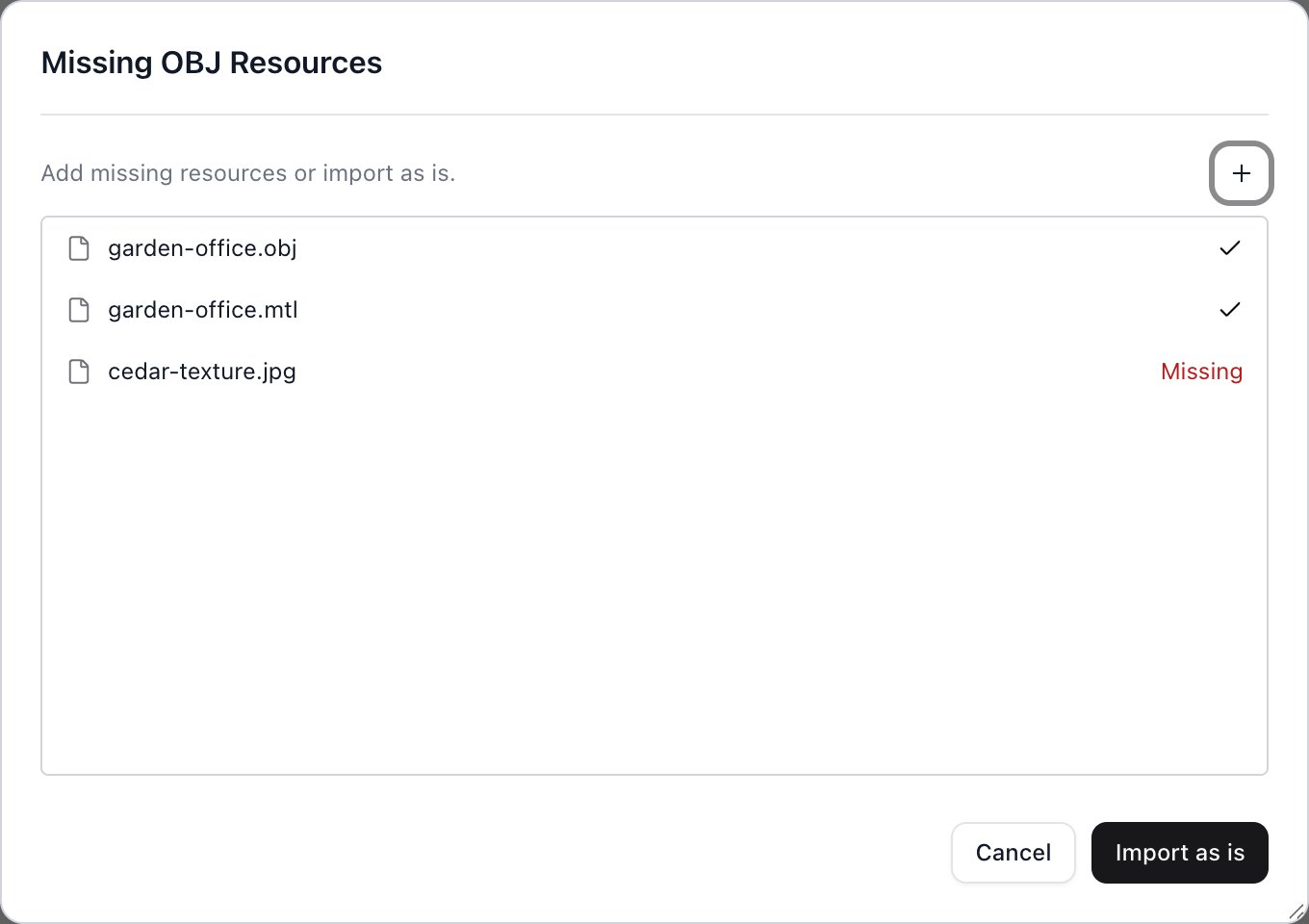
- Import models and point clouds from your computer in Studio or the Claude widget. If an OBJ is missing a material or texture, add it from your computer or workspace, or import the model as is. glTF files keep their linked images and buffers together.
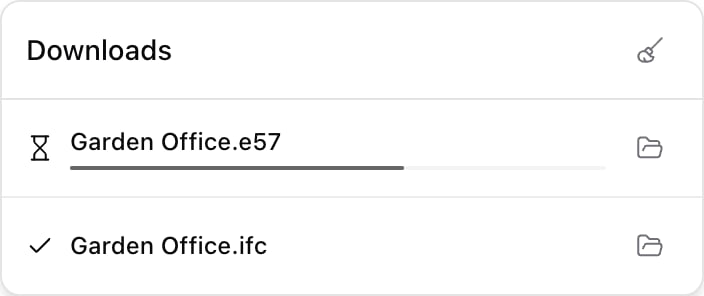
- Studio prepares IFC and E57, LAS, or XYZ point-cloud previews on your computer when possible. See what stage an upload is at, track downloads in the sidebar, and open the folder containing a downloaded file.
Answer questions without leaving runs waiting
AI can ask two kinds of questions:- Needs an answer now. AI waits up to two minutes. If you don’t reply in time, it makes an assumption and keeps going.
- Can be answered later. AI asks without stopping. When you reply, it uses your answer if it’s still relevant.
More improvements
- Ask AI to inspect annotations embedded in an attached or pinned PDF, including comments and their replies.
- Edit skill instructions and metadata in one Markdown editor. Draft a title or description from the instructions, or dictate the instructions.
- Pan, orbit, or zoom a 3D scene without deselecting the current markup tool.
- Fixes for unsent drafts, reopened widget tabs, and IFC placement and saves.