Share an inspected automation with enough context for another person to run it.

1. Prepare the entry

Give it an action-based name, explain its required model/view and note what running it changes. Save its intended defaults and keep a known working copy. See Shared library.

2. Check access

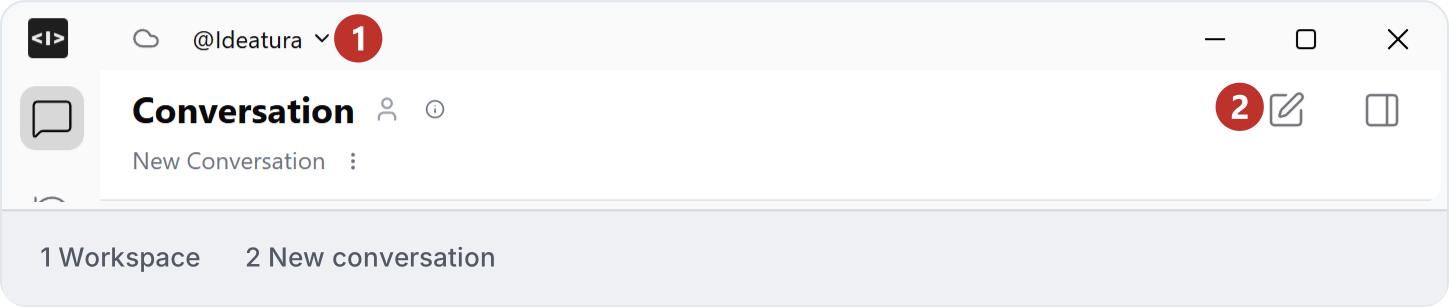
Use the sharing or library controls available in your workspace. Confirm who can find, run and edit the entry. Do not assume copying an automation creates a synchronized version or transfers every project dependency. Workspace selector at the top of Studio. Check the destination workspace before sharing an automation.
3. Test as the recipient

Ask the recipient to reopen the saved automation, check its defaults and run one small permitted example. Compare the result with the documented outcome. If settings are missing, preserve the original and report the problem.