New to Ideatura? Create an account, then install Studio and sign in. Once you see an empty conversation, you’re ready to start.
Send first prompt
Start a new chat for the house using the pencil button at the top right. If you already have an empty conversation open, use it for this task.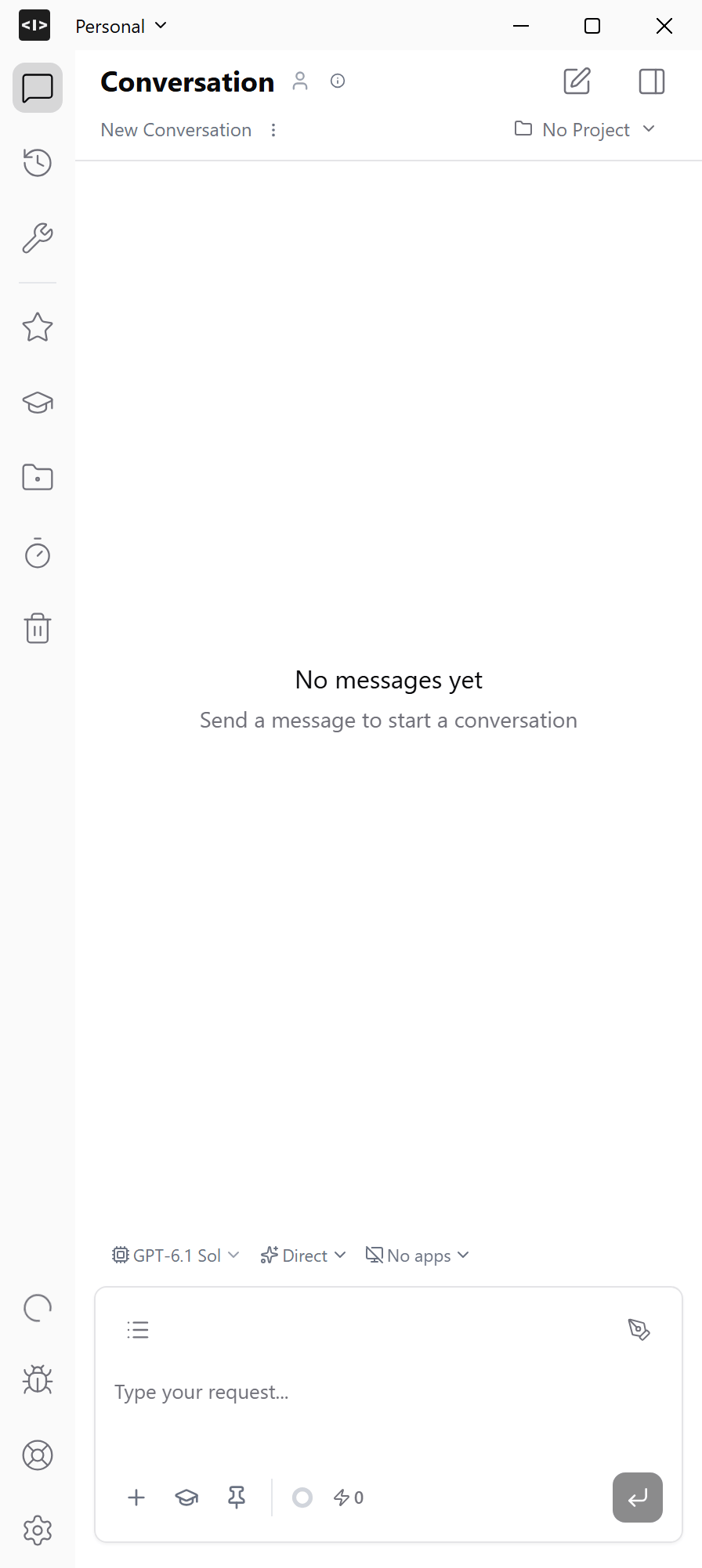
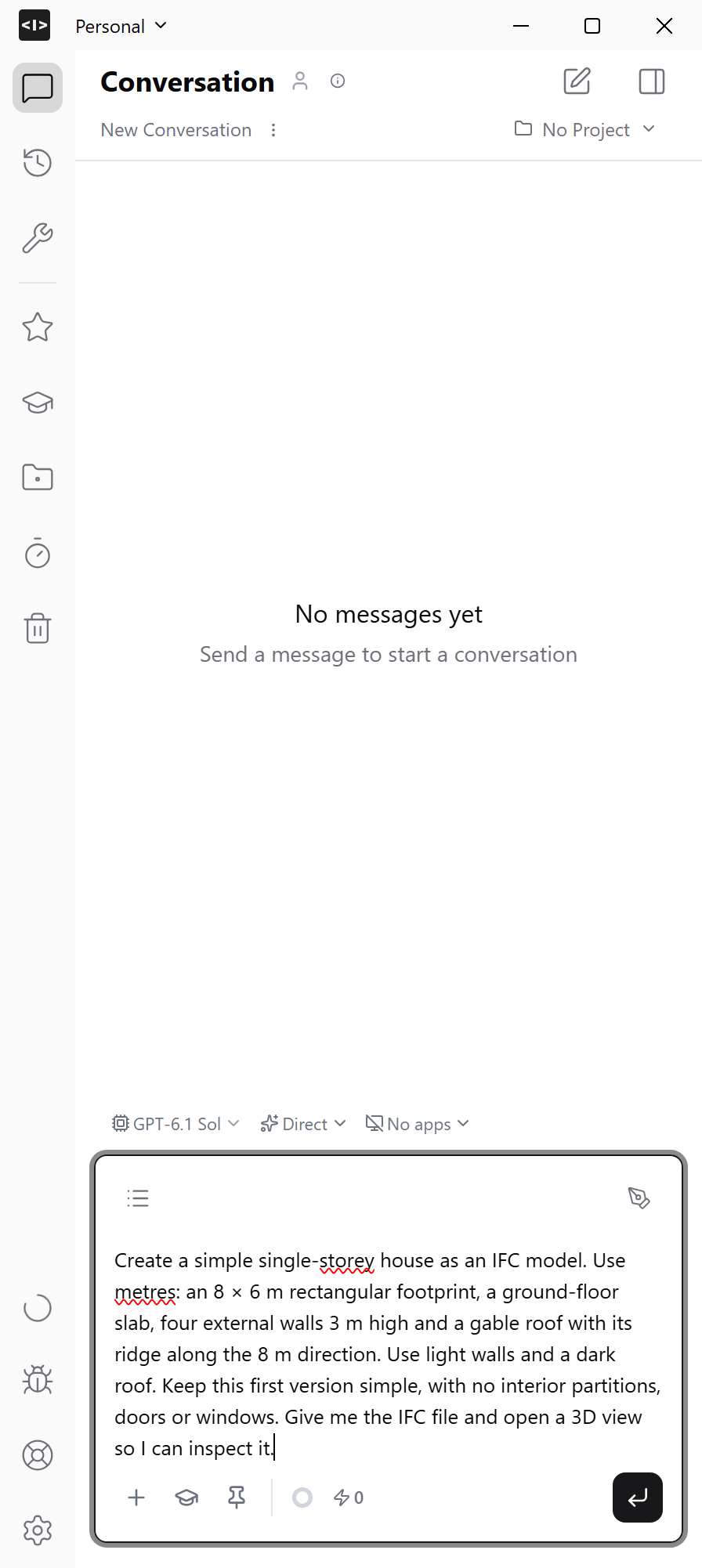
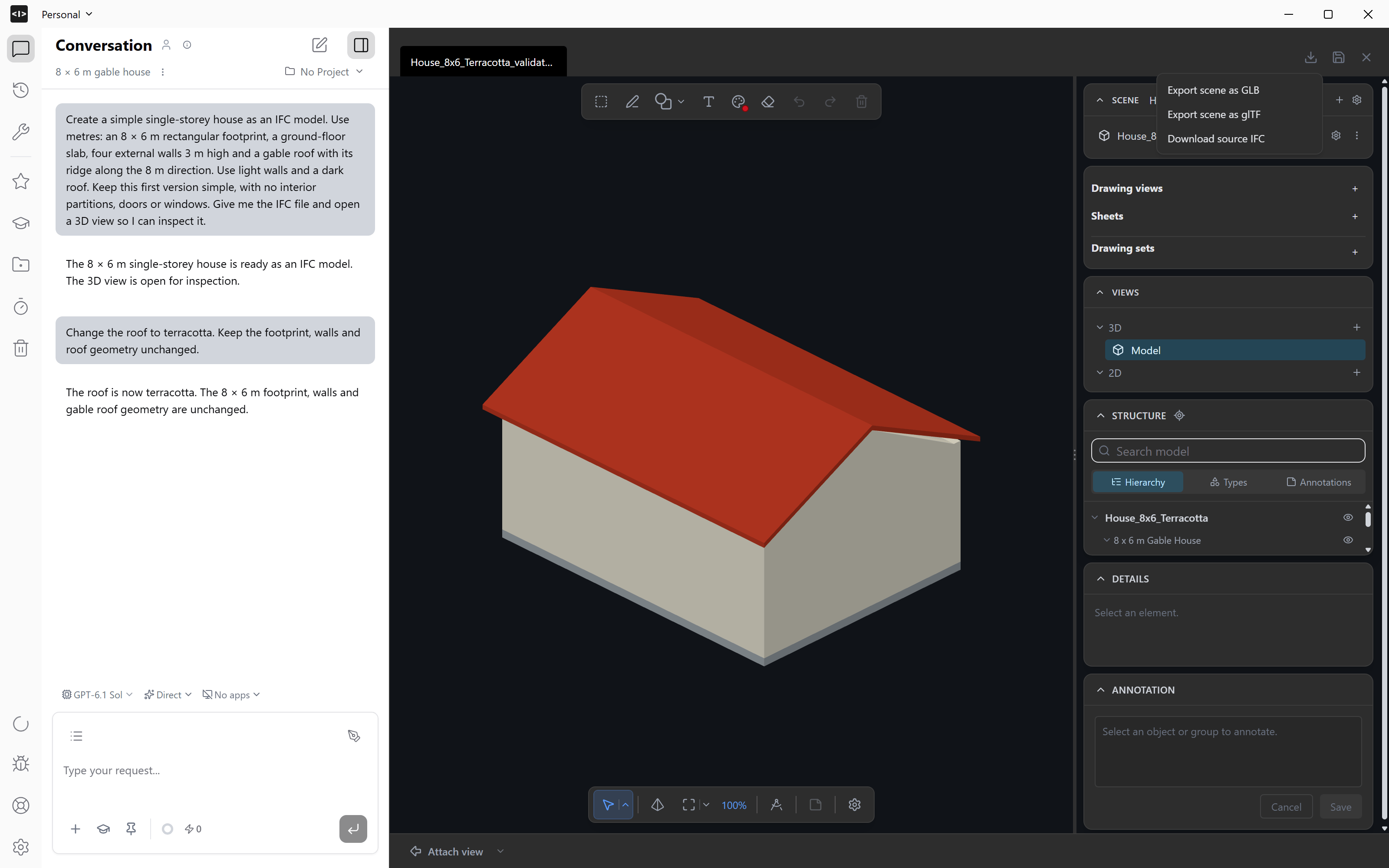
Create a simple single-storey house as an IFC model. Use metres: an 8 × 6 m rectangular footprint, a ground-floor slab, four external walls 3 m high and a gable roof with its ridge along the 8 m direction. Use light walls and a dark roof. Keep this first version simple, with no interior partitions, doors or windows. Give me the IFC file and open a 3D view so I can inspect it.
Open and inspect the result
If the viewer has not opened beside the chat, ask AI to open the IFC in a 3D view. Use Fit scene in isometric view to see the whole house. Choose Orbit from the navigation menu to look around it, and use the mouse wheel to zoom.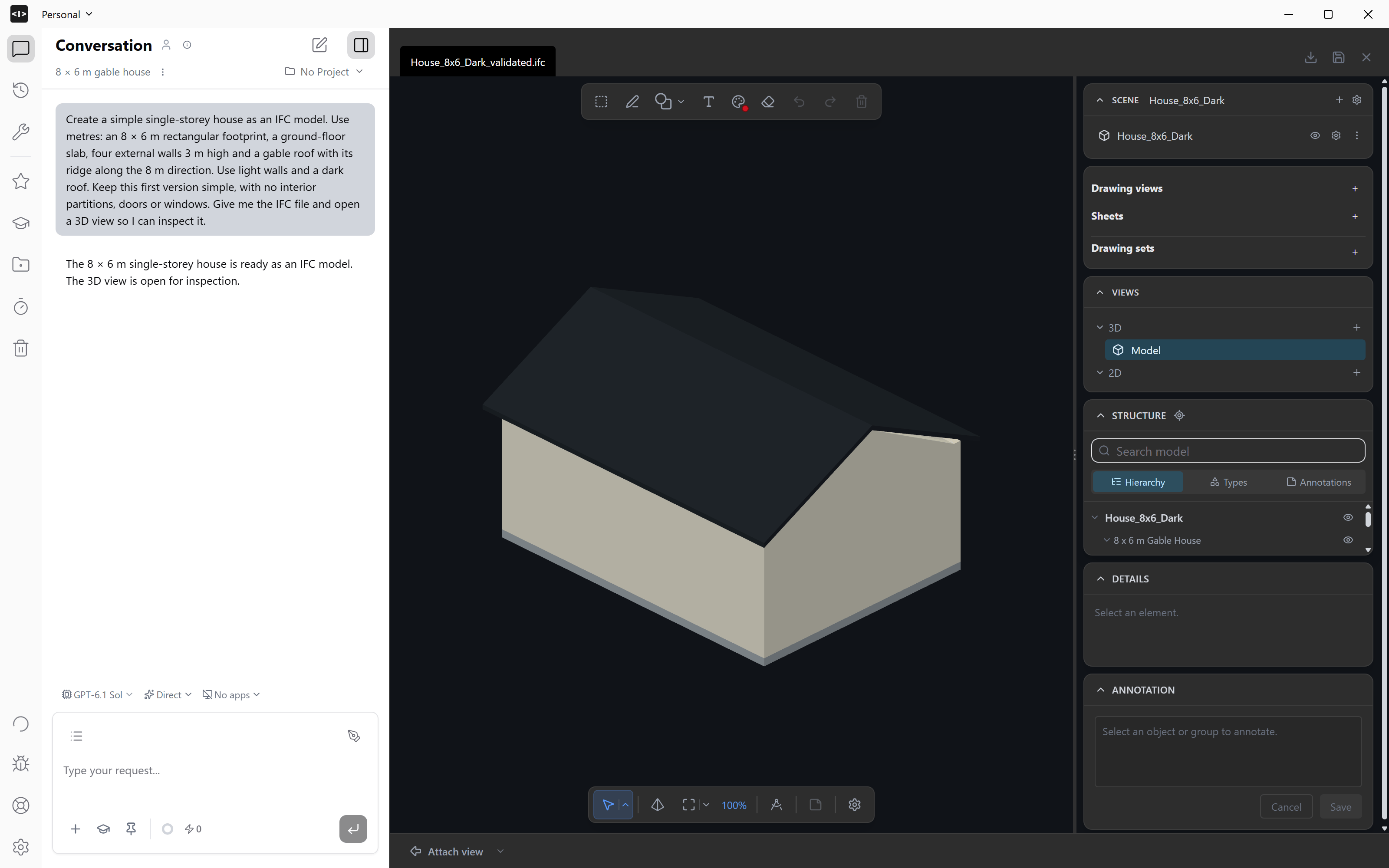
Refine it in the same chat
Ask for one specific change: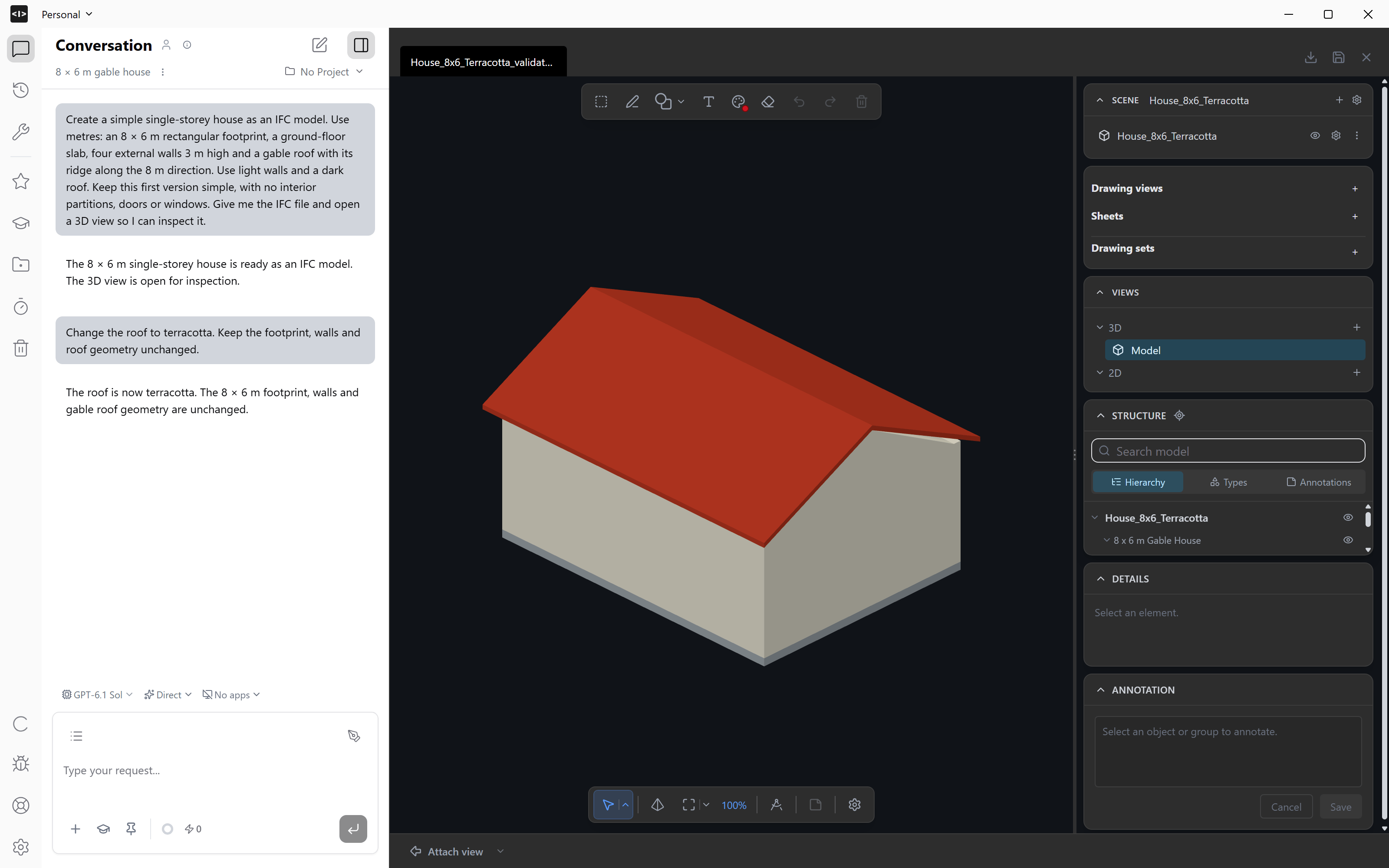
Change the roof to terracotta. Keep the footprint, walls and roof geometry unchanged.Inspect the updated model in the viewer. Keep using this chat to refine the same house; start a new chat for a separate task.
Take the model further
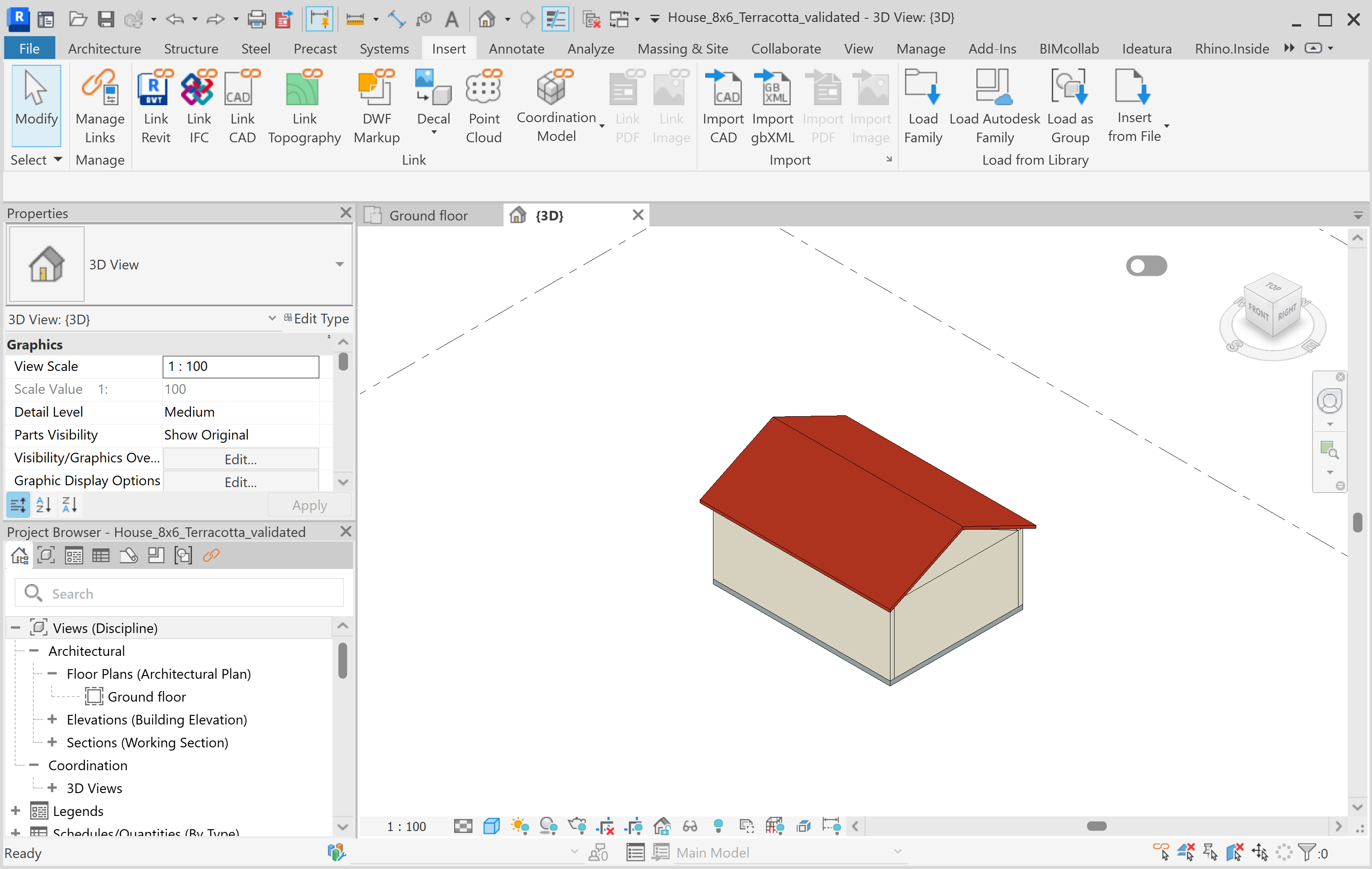
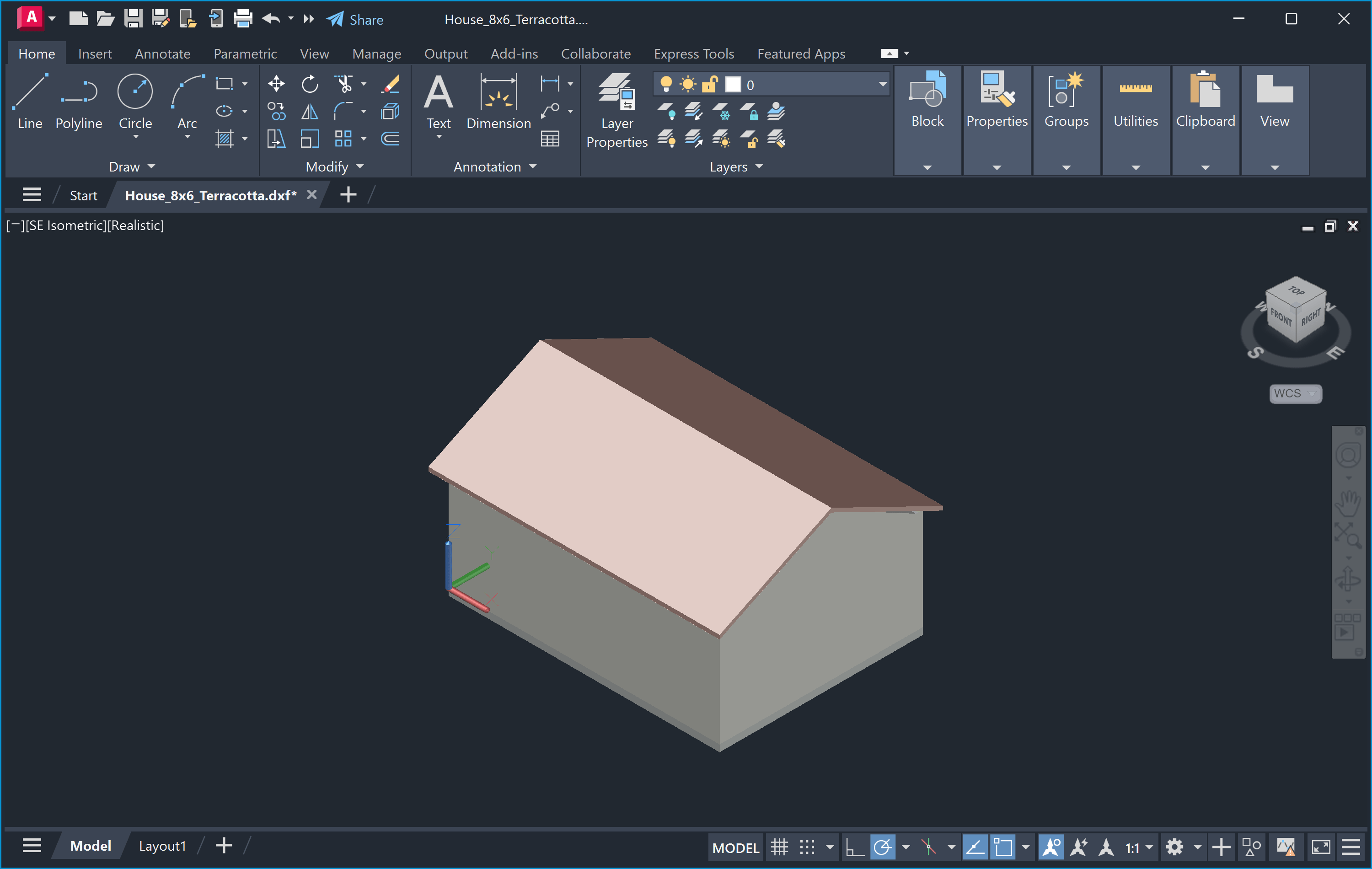
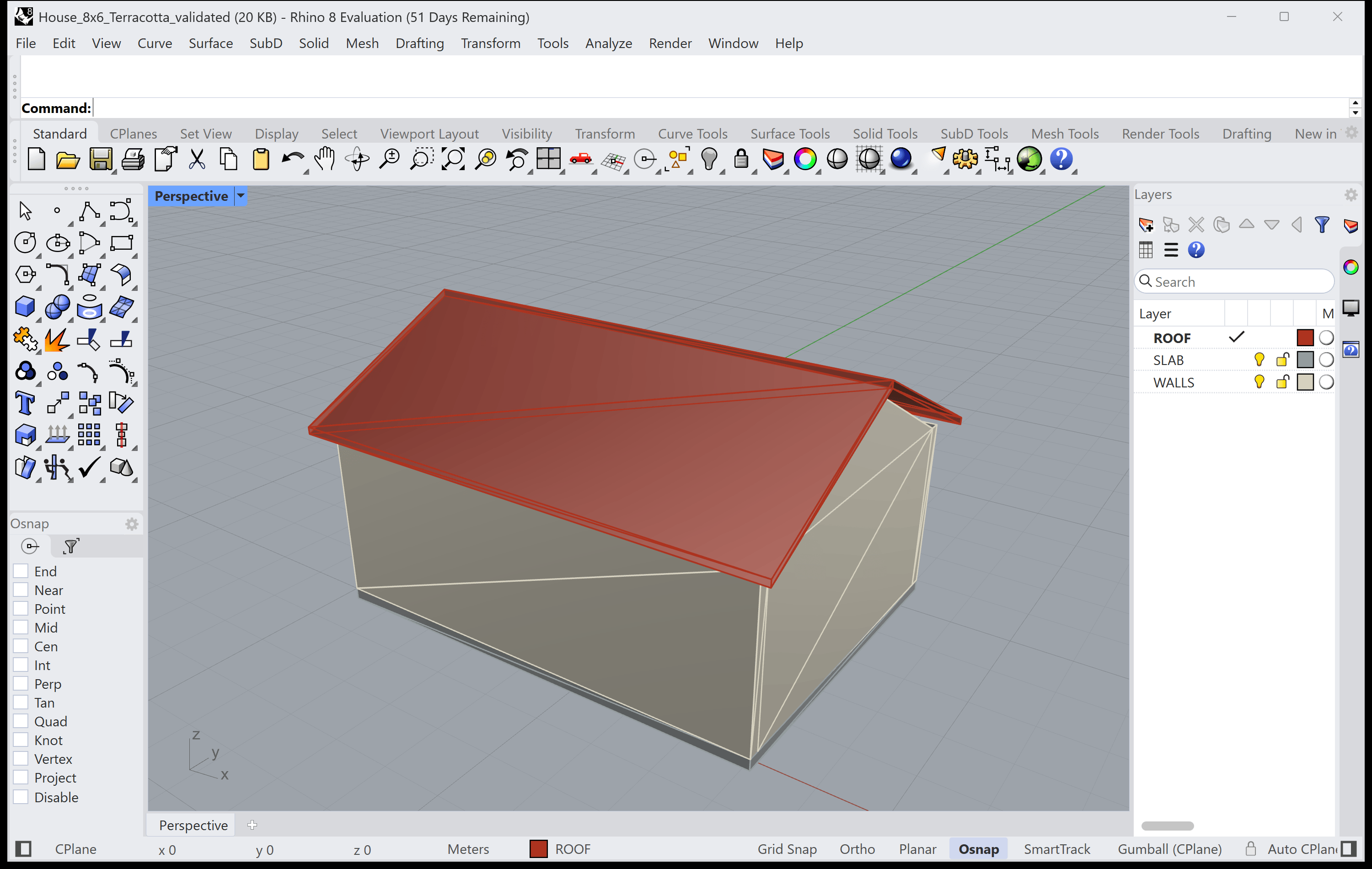
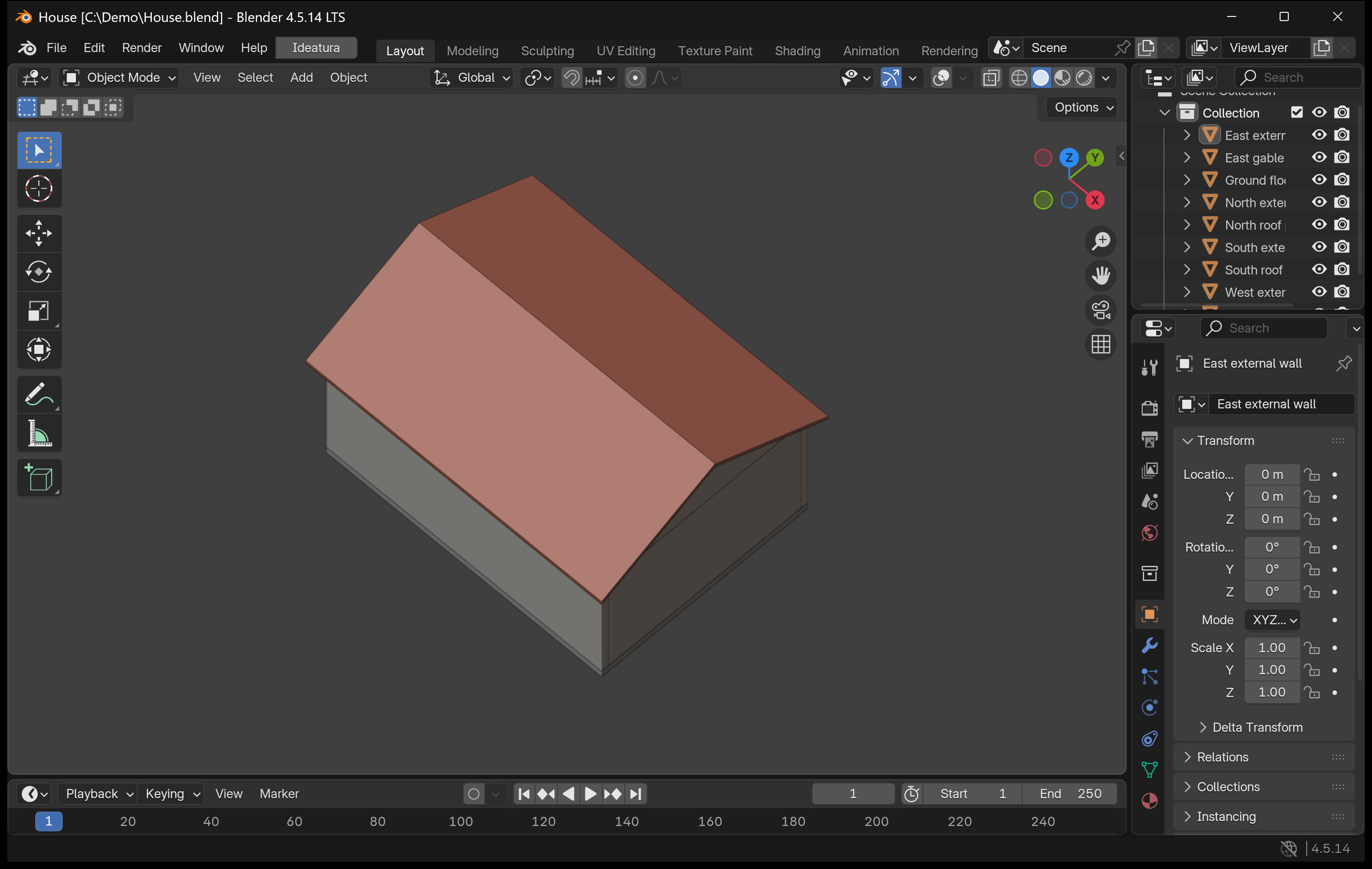
The same house geometry is shown below in four design applications, using converted copies where needed. Choose an integration to connect your application to Studio for your next task.