1. Community Support
Visit the Ideatura Community to ask questions, discuss workflows and share examples with other users and the team. Choose a category for your application or topic. See Community for how to find answers and start a discussion.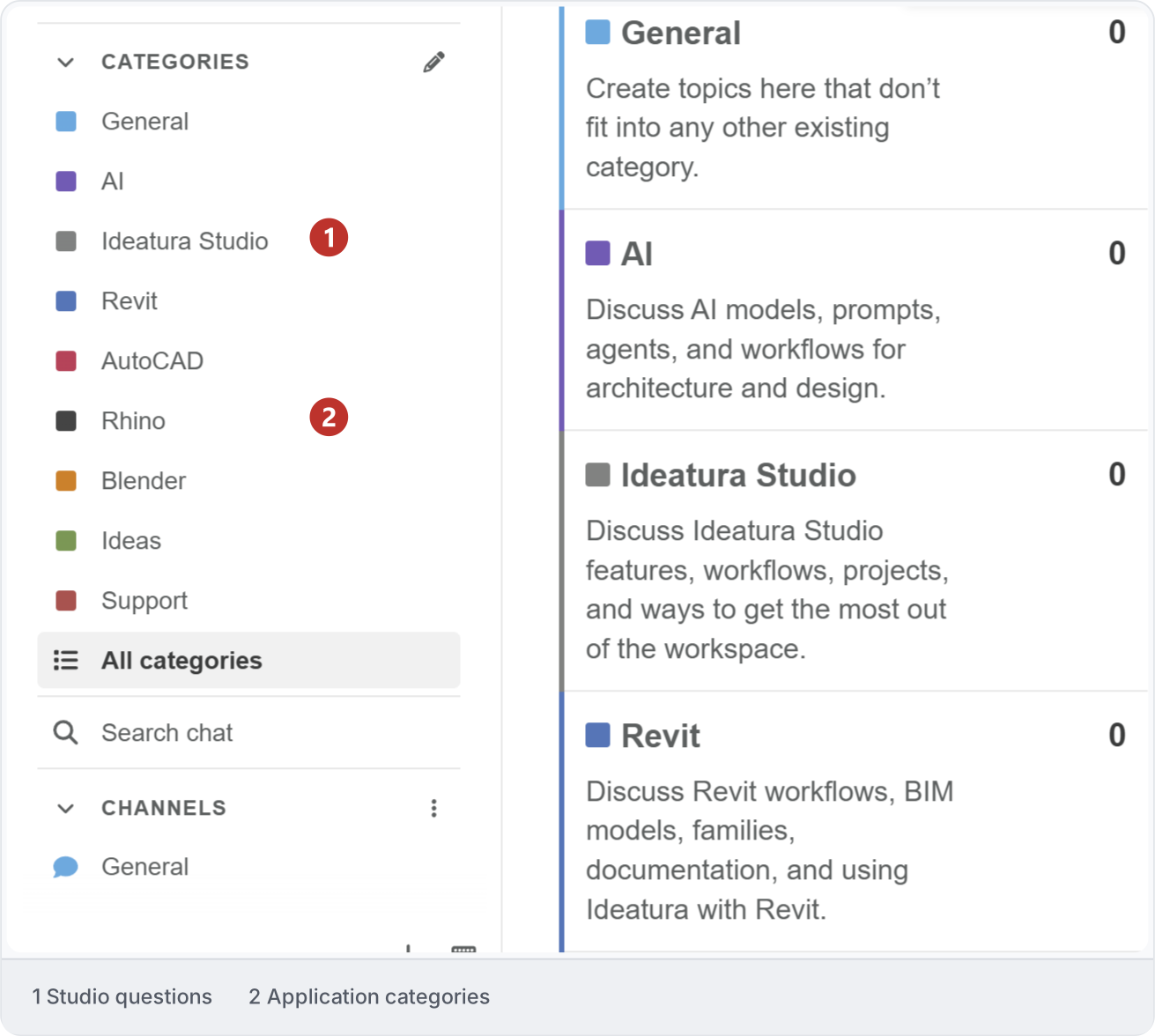
2. Direct support
Open Support in Studio to message the Ideatura team. Select a shared workspace if prompted. Describe what you need help with, and use + to attach a relevant screenshot or file before choosing Send. The conversation is shared with members of that workspace. Keep replies in the same conversation so the team can follow the context. If your question concerns a particular chat or problem report, include its ID.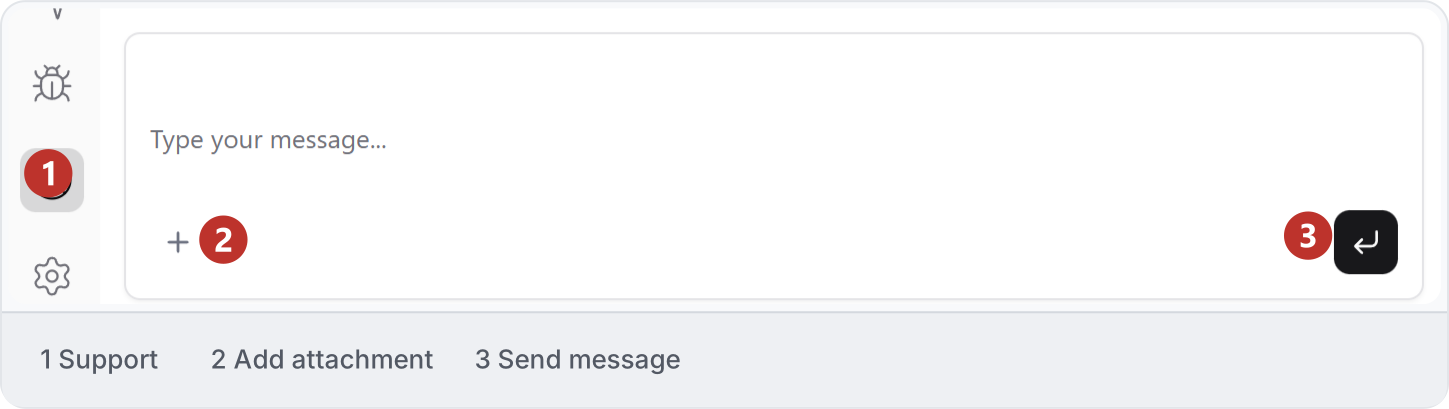
3. Report a problem
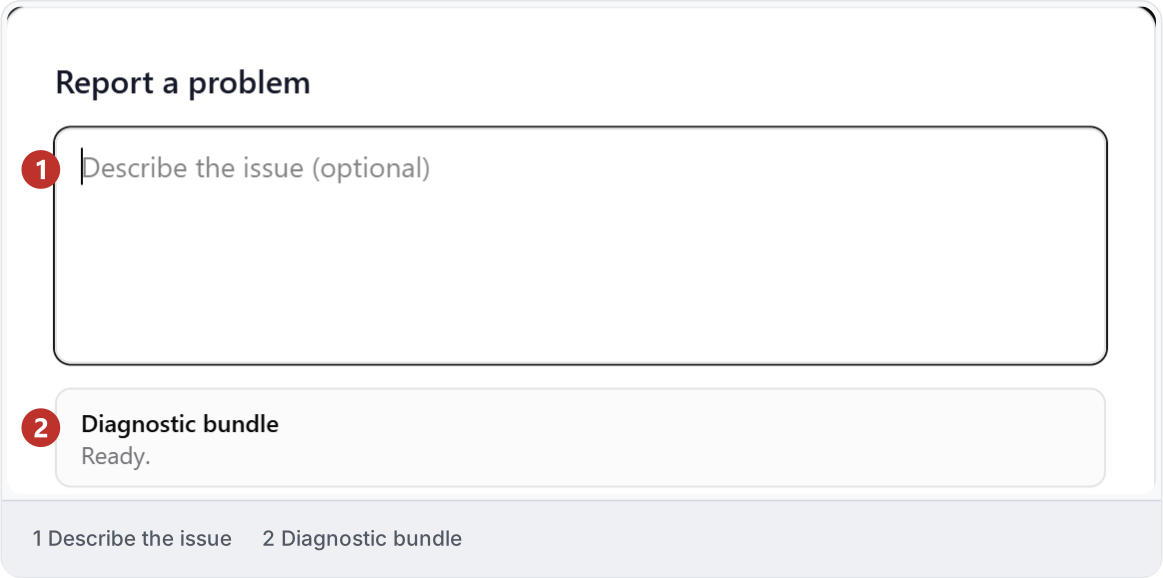
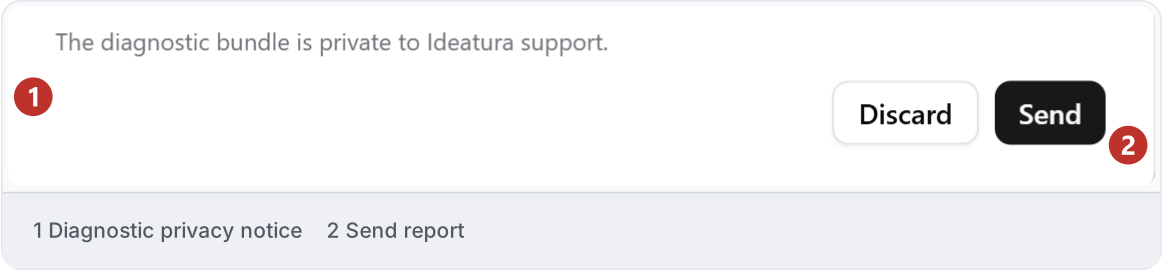
When something goes wrong, open Report a problem from the affected screen. Describe what you expected and what happened. For example: “I selected one floor plan and ran grid dimensions. The report says complete, but no dimensions appear in that view.” You do not need to diagnose the cause or reproduce the issue before reporting it. Studio prepares a diagnostic bundle with technical information for the support team. Wait for it to finish collecting.