

Get access
Open join.ideatura.ai, tell us about your work and click Join waitlist to request early access. Watch your email for the next steps.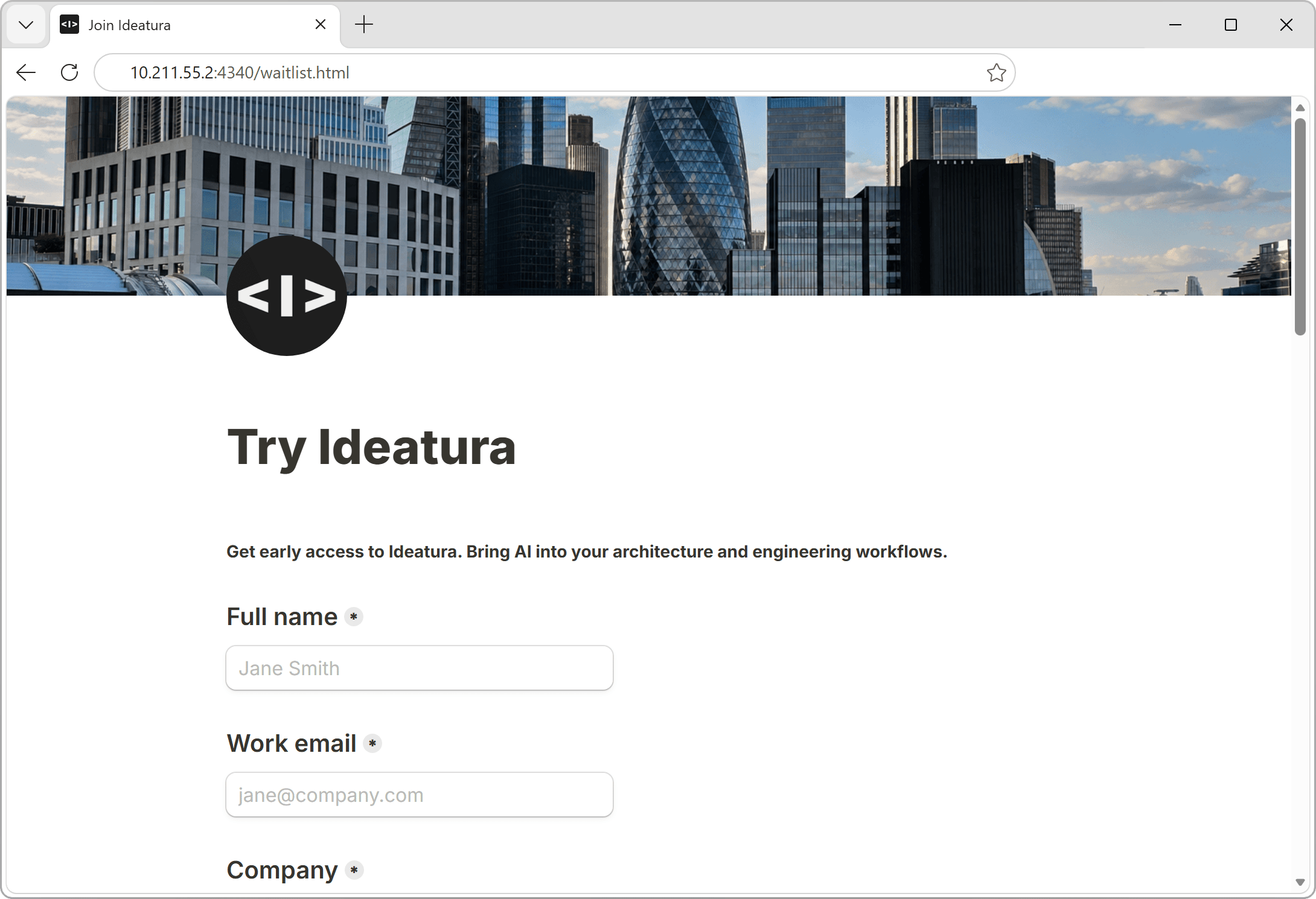
Accept invite
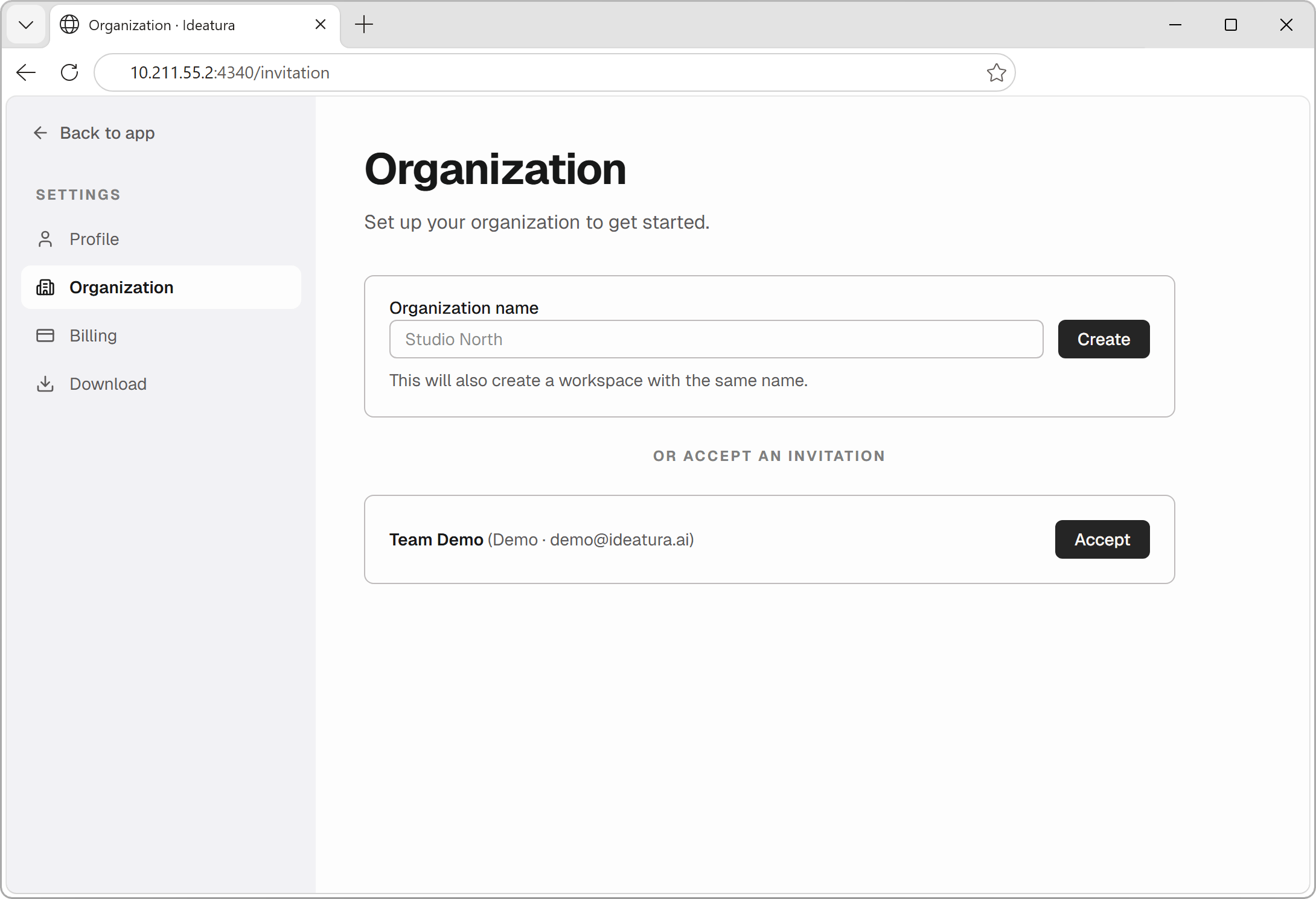
When you receive an invitation, follow its link and sign in using the email address it was sent to.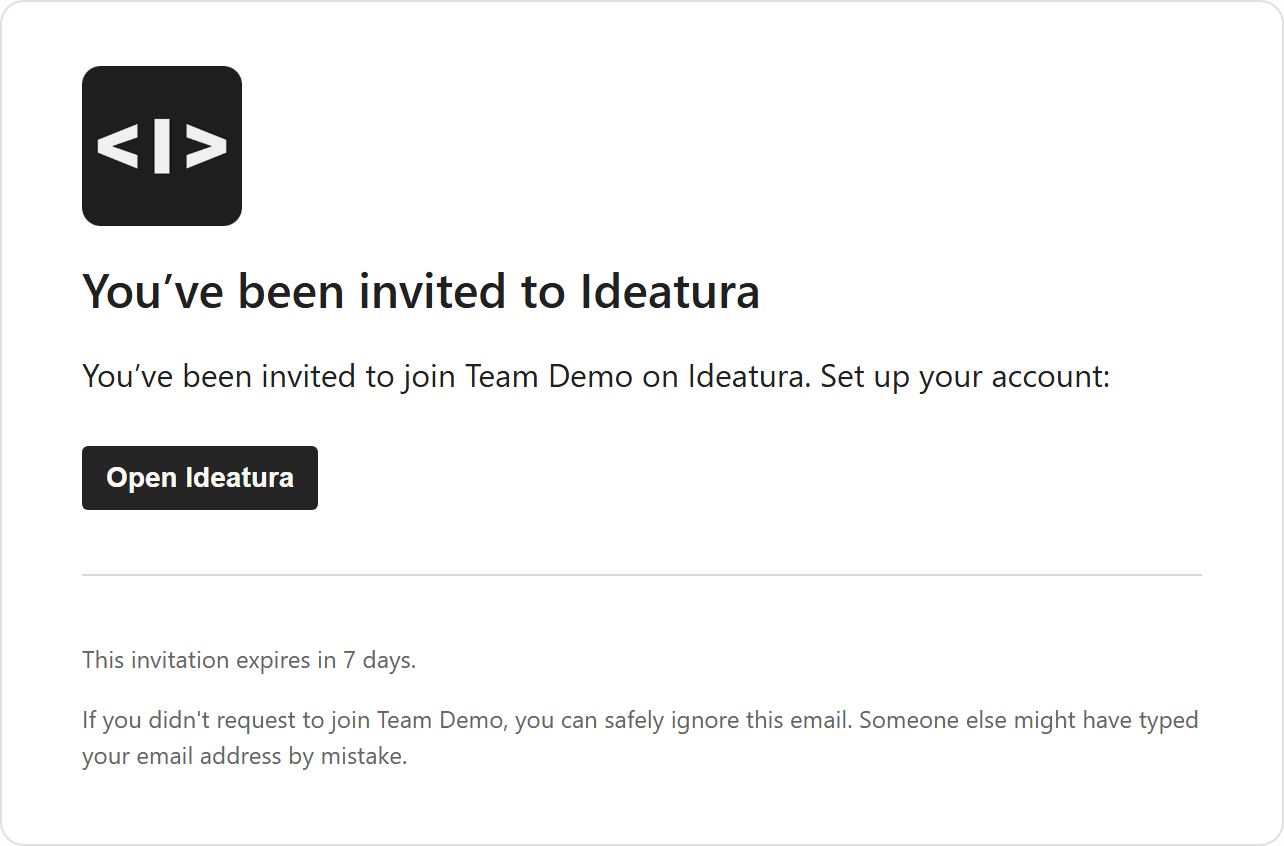
Choose a subscription plan
Choose according to the work you want to do:
- Starter: basic AI models for quick questions about your project.
- Plus: more capable AI models for tasks such as CAD automation. This includes the Sol model used in the 3D quick start.
- Advanced: frontier models for more demanding 3D work, with a team workspace for shared skills and automations.
- Enterprise: a firm-wide rollout with onboarding, training and administration needs.
Continue in Studio
Install Studio, open it and click Sign in. Complete sign-in in the browser with the same account, then return to Studio.If you belong to more than one workspace, select the one you want to use before starting a task. Its files, skills and automation library will be available there.
Install Studio
Download the app, install it and sign in.