

1. Plans and credits
Read your account’s plan terms for allowances, limits and additional usage. Check current credit and storage meters in Settings → General; see Credits for reading and measuring usage.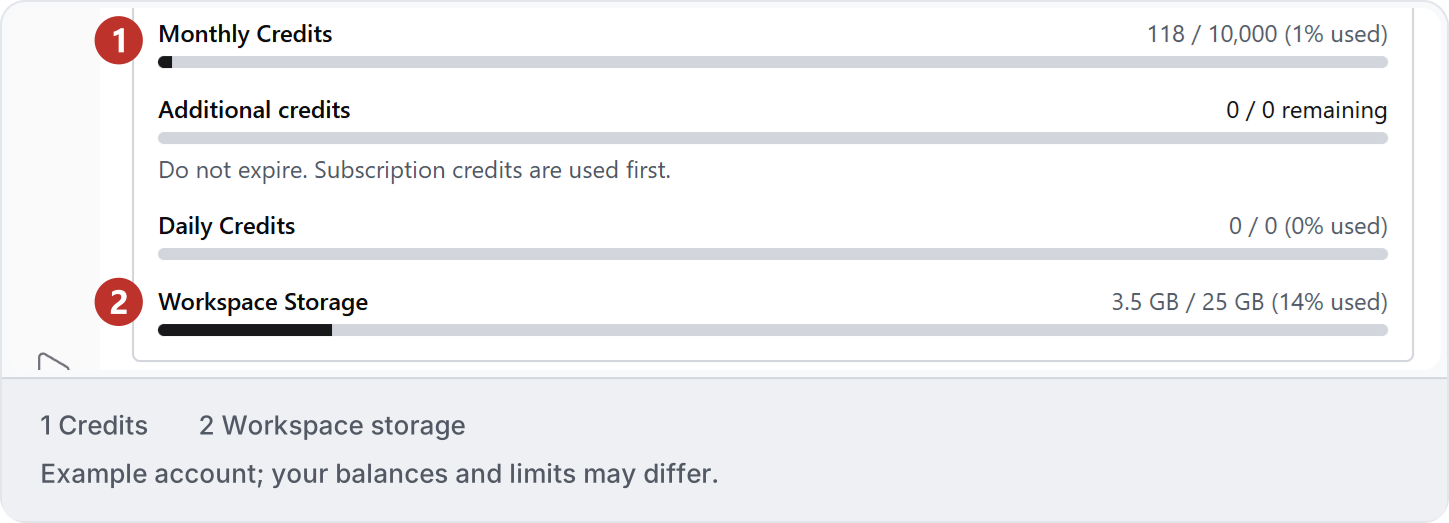
2. Billing and invoices
Open Settings → General → Billing to review the billing details, invoices and subscription actions available to your account. Before changing or cancelling a plan, read when it takes effect and what happens to remaining access and credits.