1. Data and account
Before adding project material, read the Privacy Policy and the terms applicable to your account. Identify what the task includes: prompts, attachments, screenshots, element information, model geometry or diagnostic reports. A document open locally can still supply context to cloud-connected features.2. Check the processing route
The Privacy Policy, section 5, explains how AI providers process task information. It also describes two separate uses of eligible data: developing Ideatura’s models and preparing de-identified datasets for external licensing. The workspace Data Use Control covers both uses; personal workspace owners and shared workspace administrators manage it. Enterprise and individually negotiated custom-plan content is excluded from both. Opting out has exceptions for datasets prepared earlier. Read the Privacy Policy and Terms of Service for those limits. For processing locations and providers, read the Data Processing Agreement. If a project restriction needs an answer these documents do not supply, contact team@ideatura.ai before uploading the affected material. Use a permitted minimal example for troubleshooting.3. Choose the sharing audience
Use the Community forum for general questions with non-sensitive examples. Direct support conversations in Studio are shared with members of the selected workspace. Check which workspace you are using before sharing project or account details.
4. Delete an account
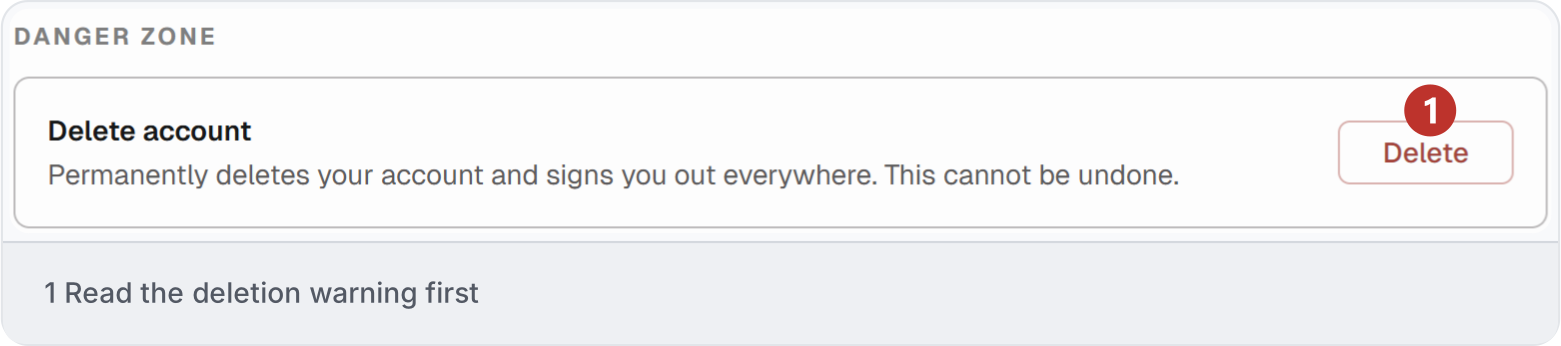
In the portal, open Settings → Profile and scroll to Danger zone. Save any output you need before deleting your account. The warning below says deletion is permanent and signs you out everywhere. Read the policy for retention requirements; account deletion does not mean every record or backup disappears immediately.