1. Community forum
Start with the Ideatura Community forum for how-to and workflow questions. Choose a category for your application, such as Revit, AutoCAD, Rhino or Blender, or use General, AI or Ideatura Studio.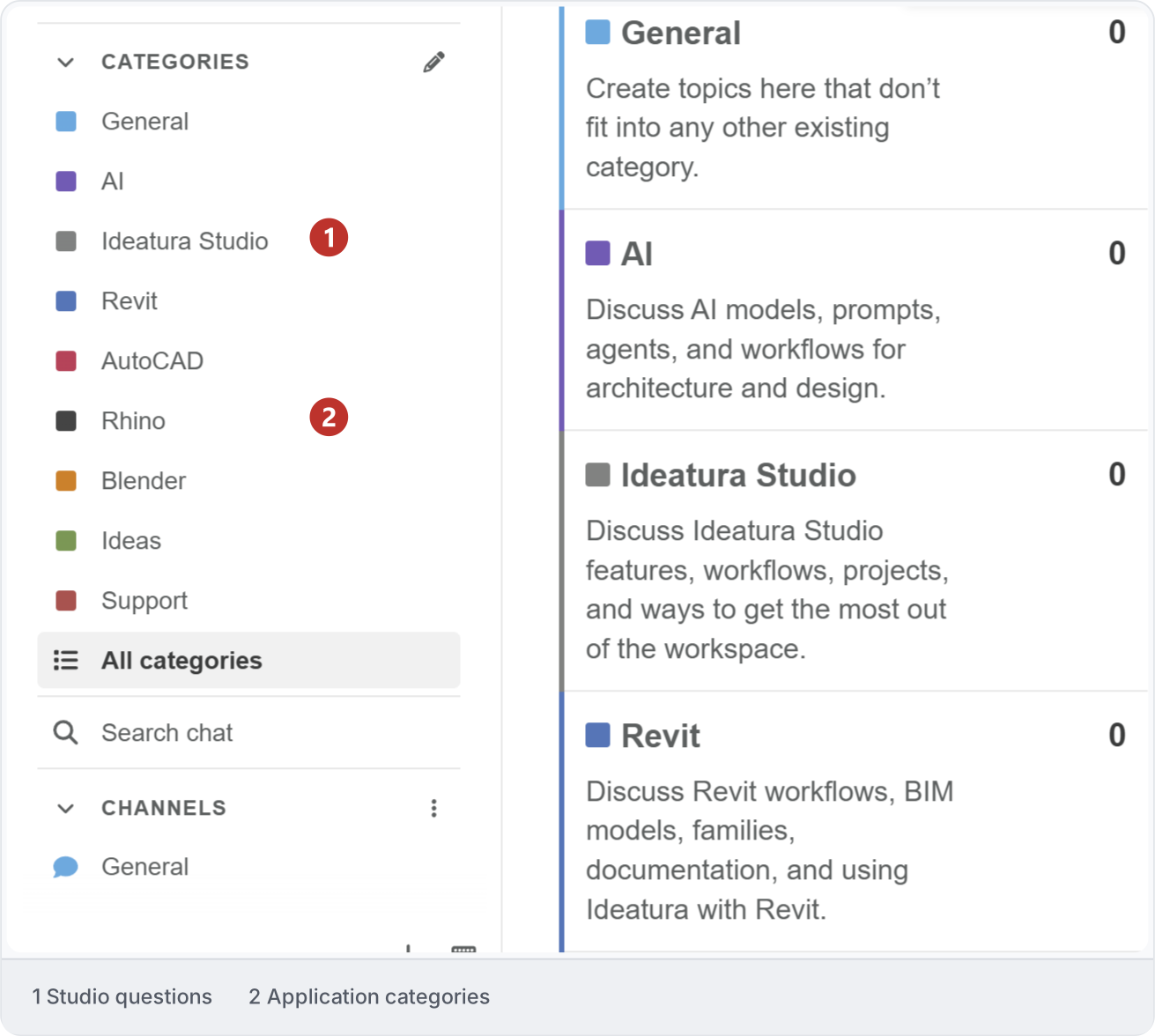
2. Find an answer
Search for your task, application or error before posting. Use advanced search to narrow the results. If nothing relevant appears, start a topic with your question.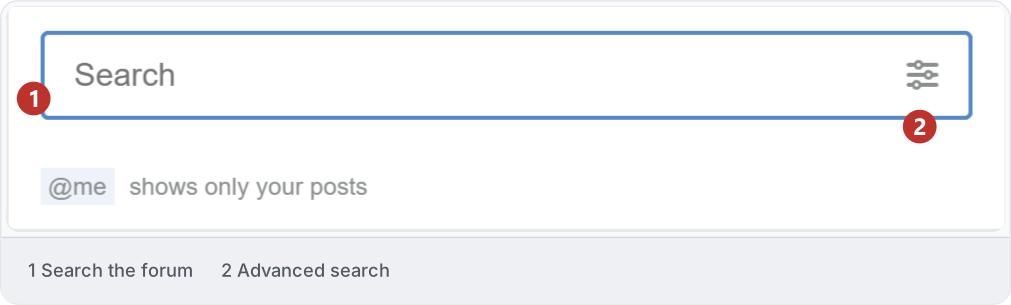
3. Ask a useful question
Give the topic a clear title and choose its category. Explain what you wanted to do, what you tried and what happened; add a screenshot or small sample you have permission to share. If you later find a solution, reply with what worked.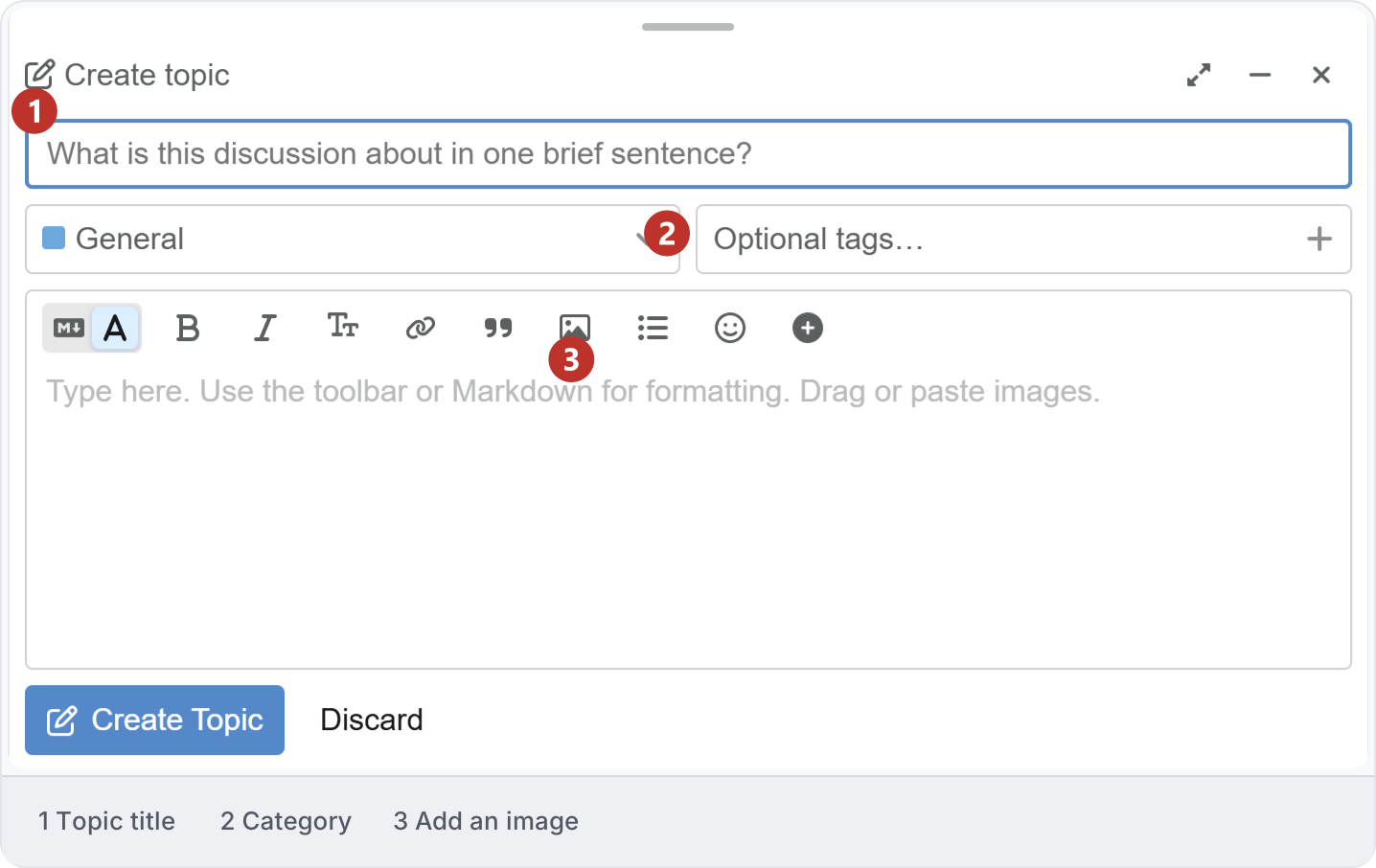
4. Choose the right route
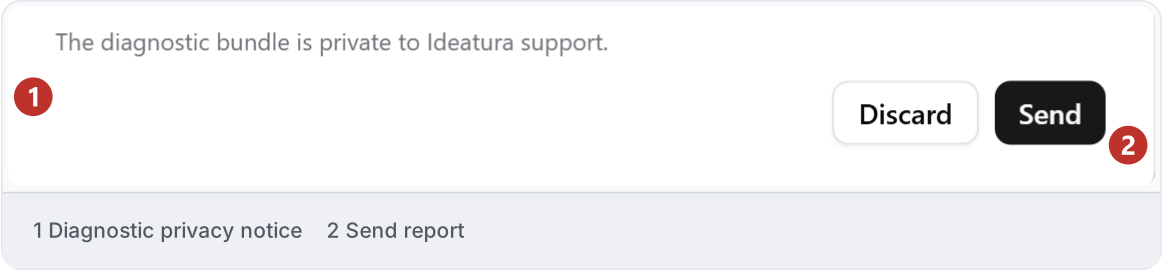
Use the forum for workflow questions and sharing examples. For help from the Ideatura team in Studio, use Direct support. To send an error with diagnostics, use Report a problem. Keep confidential project and account details out of public forum posts.